Reviews|
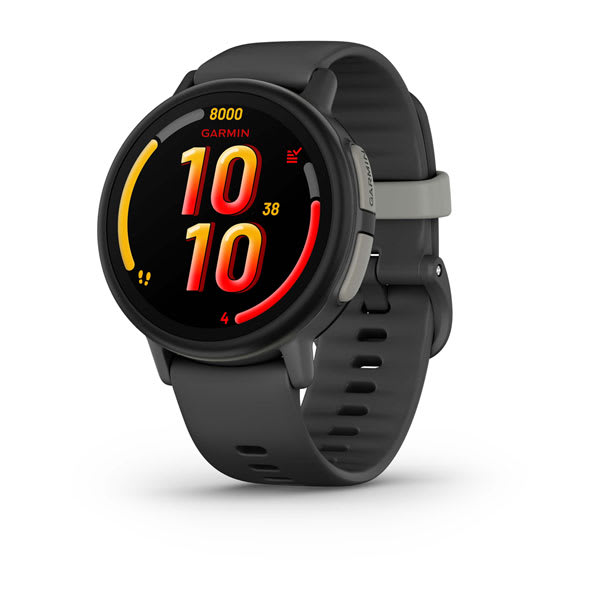
Garmin Bounce 2 Review: Voice Calling, AMOLED Display & Everything New
Our hands-on Garmin Bounce 2 review covers the new voice calling, AMOLED display, battery life, and GPS accuracy. Is the $300 upgrade worth it for your family?
Our hands-on VTech KidiZoom DX3 review covers the dual cameras, games, activity tracking, and whether this $70 no-fee kids watch is worth it for your family.

VTech KidiZoom DX3
$69.99· 3.5/5 rating
Affiliate Disclosure: This article contains affiliate links. If you purchase through our links, we may earn a small commission at no extra cost to you. This helps support our site and allows us to keep testing products for families like yours. All opinions are 100% our own -- we bought the VTech KidiZoom DX3 with our own money and have no sponsorship relationship with VTech.
Not every family needs a $150 GPS watch with a $10 per month plan. Some parents just want to give their kid a fun watch that does cool stuff without opening a new line item in the family budget. If that describes you, the VTech KidiZoom DX3 is the best option in the under-$100 category, and it is not particularly close.
After six weeks on our 6-year-old tester's wrist, I can tell you what this watch is and what it is not. It is a fun, well-built kids activity watch with dual cameras, games, a step tracker, and enough features to make a young kid feel like they own real technology. It is not a safety device. There is no GPS, no calling, no texting, and no cellular connection of any kind. You will never pay a monthly fee because there is nothing to connect to.
That trade-off is the entire point. At around $70 with zero ongoing costs, the KidiZoom DX3 is the cheapest watch we review, and you never pay another cent after you buy it. For younger kids -- roughly ages 4 to 8 -- who want a "smartwatch" but do not need to call home from soccer practice, it is a genuinely solid buy. For older kids or families who need connectivity and location tracking, you should look at our best GPS smartwatches for kids guide instead.
Let me walk through everything I observed over six weeks of real-world testing.
Here is a quick reference table covering the core hardware before we go deep.
| Spec | Details |
|---|---|
| Display | 1.44" color touchscreen, 128 x 128 resolution |
| Front Camera | Selfie camera (0.3MP equivalent) |
| Side Camera | Outward-facing camera (0.3MP equivalent) |
| Connectivity | None (no cellular, no Wi-Fi, no Bluetooth) |
| GPS | None |
| Battery | Rechargeable lithium-polymer, 2-3 days typical |
| Charging | Micro-USB cable, approximately 2-3 hours |
| Water Resistance | Splash-proof only (NOT swim-proof) |
| Storage | ~256MB internal (stores photos, videos, voice recordings) |
| Activity Tracking | Steps, active minutes, move bar |
| Games | 6+ built-in games (more downloadable via Learning Lodge) |
| Target Age | 4-12 years |
| Price | $69.99 |
| Monthly Plan | None required -- ever |
The spec sheet makes one thing immediately clear: this is a standalone entertainment and activity device. There is no cellular modem, no Wi-Fi chip, and no Bluetooth radio. The watch cannot communicate with the outside world in any way. For parents concerned about privacy, screen time, and internet exposure on a young child's wrist, that is actually a feature, not a limitation. For a full comparison of watches that share this offline approach, our best kids smartwatches without monthly fees guide covers every option.
VTech packages the DX3 cleanly. Inside you get:
That is it. No SIM card, no app to download, no account to create, no plan to activate. Setup consists of turning the watch on, setting the time and date, and handing it to your kid. Total time from unboxing to a happy child: about 3 minutes.
Compared to the 20 to 30 minutes I typically spend setting up GPS watches like the TickTalk 4 or Garmin Bounce, this was refreshing. No QR codes, no pairing failures, no waiting for eSIM activation. If you are buying this as a gift, the child can be wearing it within minutes of opening the box.
VTech does offer a free desktop application called Learning Lodge where you can download additional watch faces, games, and clock styles. Connecting the watch to your computer via the included micro-USB cable lets you transfer new content and offload photos and videos. Learning Lodge is optional -- the watch works perfectly out of the box -- but it adds some nice extras if you want to refresh the content every few months.
The VTech KidiZoom DX3 looks like a kids watch. I am not going to pretend otherwise. The case is chunky, colorful, and made of durable plastic. It does not have the premium feel of a Garmin Bounce 2 or the refined proportions of the Bark Watch. It looks like what it is: a well-made toy.
That said, the build quality is genuinely impressive for a $70 device. After six weeks of our 6-year-old tester wearing it through playground chaos, arts and crafts, backyard adventures, and the kind of daily destruction that kindergartners specialize in, the watch has held up remarkably well. The screen has no scratches. The case has some scuffs but no cracks or structural damage. The band -- a soft rubber strap with a simple buckle closure -- shows minimal wear.
The 1.44-inch color touchscreen is bright enough for indoor use and adequate in mild outdoor light, though it washes out in direct bright sunlight. Touch responsiveness is good for a kids device -- our tester navigated menus, launched games, and took photos without any assistance after the first hour. The resolution at 128 x 128 is noticeably lower than the displays on premium watches, but for games, menus, and the kinds of content kids interact with on this device, it gets the job done.
The watch is available in several colors -- blue, pink, and green depending on the retailer. Our tester chose blue. The band is comfortable, and our tester could put the watch on and take it off independently, which matters at this age.
Splash-proof, not swim-proof. This is an important distinction. VTech rates the DX3 as splash-proof, which means it handles hand washing, rain, and minor water exposure. It is absolutely not designed for swimming, showering, or submersion of any kind. If your child is a swimmer, the DX3 needs to come off before they get in the pool. If water resistance is a priority, our best waterproof smartwatches for kids guide covers watches rated for actual swimming, though all of them cost significantly more than this VTech.
The dual camera setup is one of the DX3's headline features, and it is also the feature where you need to manage your expectations most carefully.
The DX3 has two cameras: a front-facing selfie camera and a side-mounted outward-facing camera. Both produce images at roughly 0.3 megapixel quality. For reference, the TickTalk 4 has a 5MP front camera. The iPhone in your pocket has a 48MP camera. The DX3's cameras are not in the same universe.
What the photos actually look like: In good lighting conditions, the cameras produce recognizable images. You can tell who is in a selfie. You can make out what the side camera is pointed at. Colors are muted and details are soft. In low light or indoors, images get grainy quickly and often look like they were taken through a foggy window.
Our tester did not care one bit. Over six weeks, she took approximately 250 photos -- selfies with friends, pictures of the dog, pictures of bugs, pictures of her lunch. She applied the watch's built-in photo filters and frames with enthusiasm. She showed me her favorite shots with genuine pride. From a kid's perspective, having cameras on your wrist is exciting regardless of image quality. From a parent's perspective, none of these photos are making it into the family album.
The watch also records short video clips, which have the same basic quality as the still photos. Our tester recorded a few videos of her cat and a handful of slow-motion experiments. Storage fills up faster with video, so I periodically offloaded files to our computer via Learning Lodge.
Bottom line on the cameras: They exist, they work, and kids love using them. But if your child specifically wants to take and share good photos, a watch with a higher-quality camera like the TickTalk lineup would serve them better -- at a much higher price point.
This is where the KidiZoom DX3 earns its keep with younger kids. The watch ships with six built-in games spanning puzzle, action, and educational categories. The games are simple, colorful, and appropriately challenging for kids in the 4 to 8 age range.
Our tester's favorites included a motion-controlled monster-catching game where she had to shake and tilt the watch, and a puzzle game that used the touchscreen for drag-and-drop mechanics. None of the games are going to compete with an iPad, but they are engaging enough to keep a kindergartner occupied during a car ride or a wait at the doctor's office.
Additional games and content are available through Learning Lodge. I downloaded three additional games and a few new watch faces, which refreshed our tester's interest just as the built-in options were getting stale. Everything on Learning Lodge for the DX3 is free, which is consistent with VTech's no-recurring-cost approach.
Beyond games, the watch includes a voice recorder, a sound effects tool, a calendar, calculator, alarm clock, timer, and stopwatch. Our tester used the alarm to wake up for school (with mixed success) and the timer during board games. The voice recorder saw brief but enthusiastic use for recording "secret messages."
One smart design choice: VTech includes a parental control that lets you limit game time. You can restrict games to specific time windows so the watch does not become a distraction during school or homework time. I set games to be unavailable from 8 AM to 3 PM on weekdays. This is a thoughtful feature that I wish more kids devices included. For families thinking about school policies, our best kids smartwatches for school guide covers which watches work best in classroom settings.
The DX3 includes a basic pedometer and activity tracker that counts steps, tracks active minutes, and displays a move bar that encourages kids to stay active. It is not Garmin-level fitness tracking by any stretch, but it is more than I expected from a $70 device.
Step counting accuracy: I tested this by counting steps manually on a 200-step walk and comparing to the watch's reading. The DX3 reported 187 steps -- about 93 percent accuracy. That is in line with what I see from budget fitness trackers and close enough to be motivationally useful even if it is not scientifically precise. For context, the Garmin Vivofit Jr. 3 is more accurate at step counting, but it also costs more.
Active minutes tracks time spent in moderate-to-vigorous activity. Our tester earned between 45 and 90 active minutes on most days, which tracked reasonably well with my observation of her actual activity level. The move bar fills up over the day and resets at midnight, giving kids a visual goal to work toward.
What it does not track: Sleep, heart rate, distance, calories, or any GPS-based activity metrics. There are no activity-specific modes for running, biking, or swimming. There is no companion app that lets parents view activity history over time. The tracking is entirely on-device, which means your child can see their steps and active minutes for the current day, but there is no long-term trend data.
For families specifically focused on fitness tracking for kids, our best fitness trackers for tweens guide covers more capable options. But for a young kid who just needs a nudge to get moving, the DX3's basic tracking does the job.
VTech does not publish specific battery life claims for the DX3, so here is what I measured over six weeks.
Typical daily use (some game time, a handful of photos, activity tracking running in the background, checking the time throughout the day): The DX3 lasted 2 to 3 days between charges. Our tester typically used it moderately during the day, and I found myself charging it every other night or every third night.
Heavy use days (extended game sessions, lots of camera use, playing with sound effects and voice recorder): The battery drained to about 20 percent by the end of a single heavy day. On one Saturday where our tester played games for over an hour and took 30-plus photos, the watch was at 12 percent by dinnertime.
Light use days (mostly time-checking with occasional game and camera use): The watch stretched past 3 days on a couple of occasions.
Charging time: From dead to full took approximately 2 to 3 hours via the included micro-USB cable. The cable is a standard micro-USB connection, which means you probably already have spares around the house. This is a genuine advantage over the proprietary charging cables that most GPS watches use. Lose the cable and you can use any micro-USB charger.
My recommended routine: Charge every other night. This keeps the watch above 30 percent and ensures it does not die during a busy day.
Compared to the 1-year battery life on the Garmin Vivofit Jr. 3, the DX3's battery is modest. But compared to GPS watches that require nightly charging, getting two to three days feels comfortable.
There is no connectivity whatsoever. I know this is a feature for some families, but it is still a limitation worth emphasizing. You cannot call your child. You cannot text them. You cannot track their location. If your kid is at the park and you need to tell them dinner is ready, you are walking to the park. For families who have any need for real-time communication, this watch is not the answer -- our best kids smartwatches with calling guide covers your options there.
The camera quality is genuinely poor. At 0.3 megapixels, the photos are blurry and grainy even in ideal conditions. Kids enjoy the novelty of wrist cameras, but the results are objectively bad. Even the most basic smartphone camera from five years ago produces vastly better images.
The watch looks toy-like on kids over 8. Our tester is 6 and it looks appropriate on her wrist. When her 10-year-old brother tried it on, it immediately looked like a toy. The chunky plastic case and colorful design are great for younger kids but become a social liability as kids approach the tween years. If your child is 9 or older, they may feel self-conscious wearing it. Our best smartwatches for 5-year-olds guide explains why this age range is the DX3's sweet spot.
Splash-proof is limiting. Kids get wet. Hand washing, water play, rain, sprinklers -- water is everywhere in a kid's life. The splash-proof rating means you need to actively think about removing the watch in situations where most kids watches would be fine. The 5 ATM-rated watches from Garmin handle anything short of deep-sea diving.
The screen resolution is noticeably low. At 128 x 128 pixels on a 1.44-inch screen, text and graphics look blocky. Kids who have used an iPad or smartphone will notice the difference. It does not affect usability, but it does affect the "wow" factor.
The VTech KidiZoom DX3 is the right choice if:
Consider alternatives if:
Here is how the DX3 stacks up against the other watches parents cross-shop in the no-monthly-fee category.
| Feature | VTech KidiZoom DX3 | Garmin Vivofit Jr. 3 | BIGGERFIVE Vigor 2 |
|---|---|---|---|
| Price | $69.99 | $89.99 | ~$35.99 |
| Monthly Fee | None | None | None |
| Camera | Dual (selfie + side) | None | None |
| Games | Yes (6+ built-in) | Adventure app games (phone-based) | None |
| Activity Tracking | Steps, active minutes | Steps, active minutes, sleep | Steps, heart rate, sleep |
| Water Resistance | Splash-proof | 5 ATM (swim-proof) | IP68 |
| Battery Life | 2-3 days | 1 year (no charging) | 7-10 days |
| GPS | None | None | None |
| Calling | None | None | None |
| Best Age | 4-8 | 4-10 | 5-12 |
| Best For | Camera and games at a low price | Fitness tracking and durability | Budget fitness tracking |
VTech DX3 vs Garmin Vivofit Jr. 3: The Vivofit Jr. 3 is the better activity tracker and the tougher device -- 5 ATM waterproofing and a 1-year battery are remarkable. But it costs more and has no camera or on-device games. If your child wants to take pictures and play games on their watch, the DX3 wins. If fitness tracking, swim-proof durability, and the Garmin ecosystem matter more, the Vivofit Jr. 3 is worth the premium.
VTech DX3 vs BIGGERFIVE Vigor 2: The BIGGERFIVE is about $34 cheaper at list price and offers heart rate monitoring and sleep tracking that the DX3 lacks. But it has no camera, no games, and a more basic display. It is a pure fitness band, not a fun kids watch. For a young kid who wants entertainment on their wrist, the DX3 is the better choice. For a tween who wants health metrics, the BIGGERFIVE makes more sense.
Rating: 3.5 / 5
The VTech KidiZoom DX3 is the best budget kids watch for families who do not need cellular connectivity. After six weeks on our 6-year-old tester's wrist, it delivered exactly what it promises: dual cameras that kids love playing with, games that hold a kindergartner's attention, basic activity tracking that encourages movement, and a durable build that survived daily kid abuse. All for $69.99 with no monthly fee, no subscription, and no hidden costs.
The limitations are real. No GPS means no location tracking. No cellular means no calling or texting. The cameras produce genuinely poor-quality images. The splash-proof rating falls well short of swim-proof. And the watch will look too toy-like for kids approaching the tween years. These are not flaws -- they are trade-offs that come with a $70 price tag and a no-connectivity design philosophy.
For parents of 4 to 8-year-olds who want to give their child the excitement of wearing a smartwatch without the expense and complexity of a connected device, the VTech KidiZoom DX3 is a smart, affordable choice. It is the best entry point into the kids smartwatch world, and for many families, it is all the watch their young child actually needs. When the time comes for GPS tracking and calling, our best kids smartwatches for 2026 roundup and kids smartwatch buying guide will help you find the right upgrade.
Check the current price on Amazon
Want to see how much you can save across all the kids watches we recommend? Check our deals page for current prices and discounts.
No, the VTech KidiZoom DX3 has zero recurring costs -- you pay $69.99 once and the watch is fully functional forever with no subscriptions, no in-app purchases, and no hidden fees.
The DX3 has no cellular radio, no Wi-Fi, and no Bluetooth, so there is nothing to subscribe to. You pay the one-time purchase price of $69.99 and the watch is fully functional forever. There are no in-app purchases, no premium tiers, and no hidden fees. For a full list of watches that work without recurring costs, see our best kids smartwatches without monthly fees guide.
No, the VTech KidiZoom DX3 has zero connectivity -- no phone calls, no texting, no voice messages, and no internet connection of any kind.
The DX3 has zero connectivity features. It cannot make phone calls, send text messages, send voice messages, or connect to the internet in any way. It is a standalone camera, game, and activity watch. If your child needs to be able to call or text you, you need a cellular watch like the TickTalk 5 or Garmin Bounce.
No, the VTech KidiZoom DX3 is only splash-proof -- it handles handwashing and rain, but it must be removed before swimming, showering, or any water submersion.
The DX3 is rated as splash-proof, which covers hand washing, rain, and minor splashes. It is not designed for swimming, showering, bathing, or any form of submersion. VTech specifically warns against submerging the watch. If your child needs a waterproof watch, the Garmin Vivofit Jr. 3 is swim-proof at 5 ATM and does not require a monthly fee either.
The VTech KidiZoom DX3 is best for kids ages 4-8 -- young enough to enjoy the cameras and games, but old enough to navigate the touchscreen independently.
The sweet spot is ages 4 to 8. Kids in this range are excited by cameras and games on their wrist and are young enough that the colorful, toy-like design feels appropriate rather than embarrassing. Kids over 9 tend to find the watch too childish, and by age 10 most kids are ready for either a more mature fitness tracker or a connected smartwatch. Our best smartwatches for 5-year-olds guide and best smartwatches for 8-year-olds guide cover age-appropriate recommendations in detail.
Connect the watch to your computer via the included micro-USB cable -- it appears as a removable drive where you can drag and drop photos and videos. There is no wireless transfer option.
The watch connects using the included micro-USB cable. The watch appears as a removable drive, and you can drag and drop photos and videos to your computer. You can also use VTech's free Learning Lodge desktop application to manage files. There is no wireless transfer option and no companion phone app -- everything goes through the USB cable.
Yes, the DX3 has a built-in parental control that lets you set time windows when games are disabled (like school hours), while the camera, activity tracker, clock, and timer continue working normally.
The DX3 includes a parental control that lets you restrict when games are available. You can set time windows during which games are disabled, such as school hours or homework time. The settings are accessed through the watch's menu using a simple parental code. During restricted periods, the camera, activity tracker, clock, alarm, and timer all continue to work normally -- only games are blocked.
Our hands-on Garmin Bounce 2 review covers the new voice calling, AMOLED display, battery life, and GPS accuracy. Is the $300 upgrade worth it for your family?
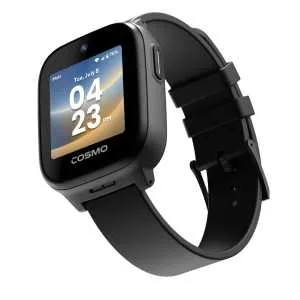
Our hands-on COSMO JrTrack 5 review covers HaloGPS accuracy, Spotify Kids, battery life, and whether the ~$130 watch plus $18/month plan is worth it for your family.
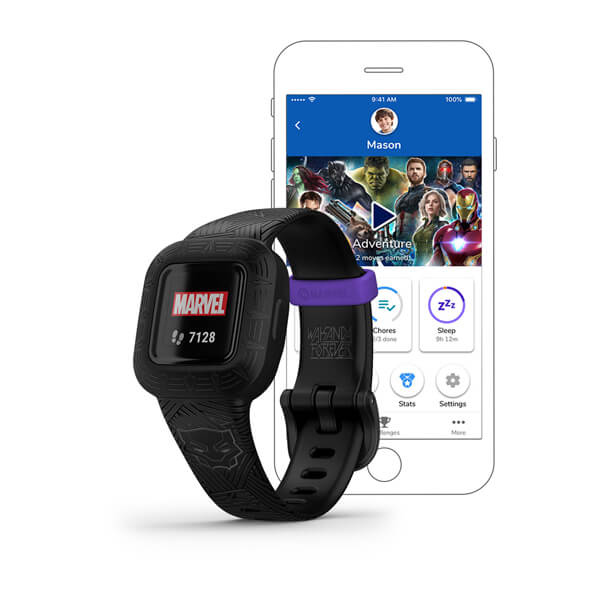
Our hands-on Garmin Vivofit Jr. 3 review covers step counting, chore management, swim-proof durability, and the 1-year battery life. Is this $90 no-fee fitness tracker worth it for your family?
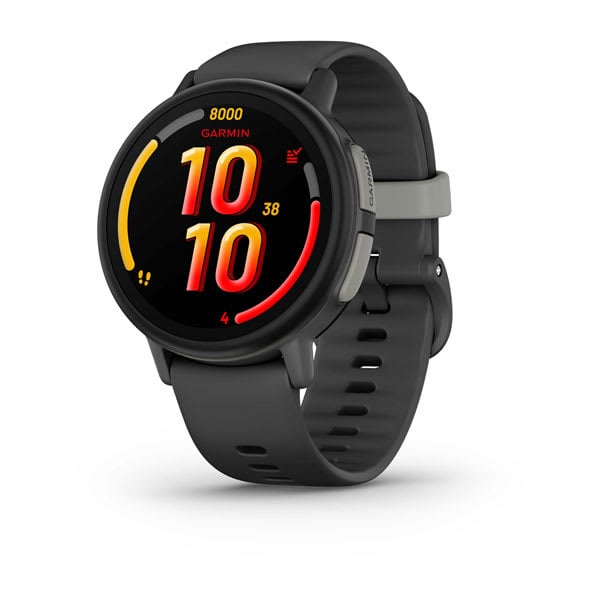
Our hands-on Garmin Bounce review covers GPS accuracy, battery life, durability, and whether this premium kids smartwatch is worth buying.
Verizon's Gizmo Watch 4 (July 2026) adds true swim-proofing and Watch Removal Detection over the Watch 3 -- a first look at what's new, the Verizon catch, and who should buy it.
New review alerts, deal drops, and seasonal buying guides — delivered weekly. No spam, unsubscribe anytime.
No spam. Unsubscribe anytime.