Affiliate Disclosure: This article contains affiliate links. If you purchase through our links, we may earn a small commission at no extra cost to you.
The short answer: Most "bad GPS" isn't a broken watch -- it's the watch reporting indoors, on a schedule instead of live, in a power-saving state, or the app showing a cached last-known position. Check the location timestamp first, force an on-demand refresh in your parent app, then get the watch outside for two minutes. If it's still a block off outdoors with a fresh timestamp, it's the chipset -- and the Garmin Bounce 2 at $299.99 has the most consistent GPS tracking here, with the COSMO JrTrack 5 at $99.99 (list $129.99) the closest value pick.
You open the app to check on your kid. The dot is on the wrong street. Or it's sitting in the middle of a parking lot two blocks from the school. Or it hasn't moved in 40 minutes even though you know she's walking home right now.
I've had all three happen, on almost every watch I've tested. The first time, I assumed the watch was broken. It usually isn't. The overwhelming majority of "bad GPS" reports come down to four things: the watch is indoors, it's reporting on a schedule instead of live, it's in a power-saving state, or the app is showing a cached last-known position without telling you it's old.
Below is what's actually happening under the hood, then the fixes in the order I'd try them. The physics part matters -- once you understand it, half the "problems" stop being problems.
First: What "Accurate" Actually Means Here
A consumer GPS chip with a clean view of the sky is typically accurate to about 10 to 30 feet. That's the good case. A kids smartwatch has a tiny antenna, a small battery, and a wrist wrapped around it, so real-world accuracy trails a phone on a car dashboard.
More importantly, the dot in your app is not always a GPS position. It might be one of three different things:
That last row explains most "the dot is 300 feet off" complaints. The watch didn't get a bad GPS fix -- it never got a GPS fix, so it fell back to guessing from cell towers. Most parent apps don't label this. Some draw a wider accuracy circle around the pin; if yours does, that circle is the most useful thing on the screen. A big circle means "somewhere in here," not "here."
The Six Real Causes
1. The watch is indoors
GPS signals arrive from satellites roughly 12,000 miles up at a power level below background noise. They get through glass and thin roofs poorly, and they do not meaningfully get through concrete, metal roofing, basements, or the interior of a big-box store.
That's why your kid "moves" across the parking lot the moment they walk into school. The watch lost satellites, fell back to towers or WiFi, and the pin snapped to that estimate. It's the most common cause I see, and there's no fix -- it's physics. What you can do is stop reading indoor positions as literal.
2. Assisted GPS vs. a true fix (cold start)
Assisted GPS (A-GPS) is why your phone locks on in three seconds: it downloads satellite orbit data over cellular instead of decoding it slowly from the satellite signal itself. A kids watch does the same -- when it has a decent data connection.
Without assist data, the watch does a cold start: find satellites from scratch and decode the almanac over the air. That takes 30 seconds to several minutes with clear sky, and may never complete with a partial sky view. So a watch with weak cellular gets a double penalty -- no assist data and slow fixes.
Takeaway: a watch that's been powered off, factory reset, or flown across the country will be bad at GPS for the first several minutes outdoors. Give it time before concluding it's broken. Our setup guide covers the first-fix routine.
3. Urban canyon multipath
Downtown, between tall buildings, or under a wall of mature trees, the satellite signal bounces off surfaces before reaching the watch. The watch measures a longer travel time for that bounced signal and computes a position that is confidently, precisely wrong -- often on the parallel street.
This is multipath, and it's why city errors are frequently structured rather than random. The dot doesn't jitter; it sits firmly one block over. Better chipsets fight this by tracking more constellations at once (GPS, GLONASS, Galileo, BeiDou) and using dual-frequency signals. That's the biggest hardware difference between a premium tracker and a budget one.
4. Reporting interval is not real-time tracking
This one fools the most parents, and it isn't an error at all.
Most kids watches don't stream location continuously. They wake on a schedule -- every 1, 5, 10, or 30 minutes depending on your setting -- take a fix, send it, and sleep. If your interval is 10 minutes and your kid is on a bike, the dot can be a half mile behind reality and still be working perfectly.
Nearly every parent app has a "locate now" or on-demand refresh that forces an immediate fix. That's the button to press before you panic. Some apps also offer a temporary live-tracking mode that reports every few seconds, at heavy battery cost.
5. Power saving and sleep modes
The GPS receiver is one of the hungriest components on board, so manufacturers throttle it aggressively. Common behaviors I've seen across brands:
- Location intervals get stretched automatically when the battery drops below a threshold
- GPS is suspended entirely during a scheduled school mode or sleep window on some watches
- Motion detection gates the fix -- if the accelerometer says the kid hasn't moved, the watch skips the update and re-sends the old position
That third one is why a stationary watch can report the same coordinates for hours and then jump abruptly. It isn't stuck. It's saving power because nothing changed.
6. You're looking at a cached last-known location
When the watch can't get a fresh fix -- dead battery, no cell signal, deep indoors, powered off -- most apps keep displaying the last successful position rather than showing nothing. A stale dot and a live dot look identical unless you check the timestamp.
Always check the location timestamp. Every app I've used shows one somewhere: "updated 2 minutes ago," a clock icon, a time under the pin. If that number is climbing, you don't have an accuracy problem -- you have a connectivity problem, and the fix is different.
Fixes, In the Order I'd Try Them
- Check the location timestamp first. If it says 45 minutes ago, stop troubleshooting GPS. You have a connectivity or battery issue. Skip to step 6.
- Force an on-demand refresh from the app. Look in your parent app's location or tracking screen for a refresh, locate-now, or update button. Wait a full 60 seconds -- the watch has to wake, get a fix, and send it back.
- Get the watch outside and wait two minutes. This is the test that separates real problems from physics. Have your kid stand in the open, away from buildings, and refresh. If the position tightens up outdoors, the watch is fine and you were watching an indoor fallback.
- Shorten the reporting interval. In your parent app's location or tracking settings, look for an update frequency or reporting interval option and move it to a shorter value. I run 5 minutes daily and drop to the shortest setting for a specific event -- a field trip, a walk home. Expect a real battery hit.
- Turn off battery saver, at least while testing, then charge the watch above 50%. Low battery quietly degrades location reporting before it degrades anything you can see.
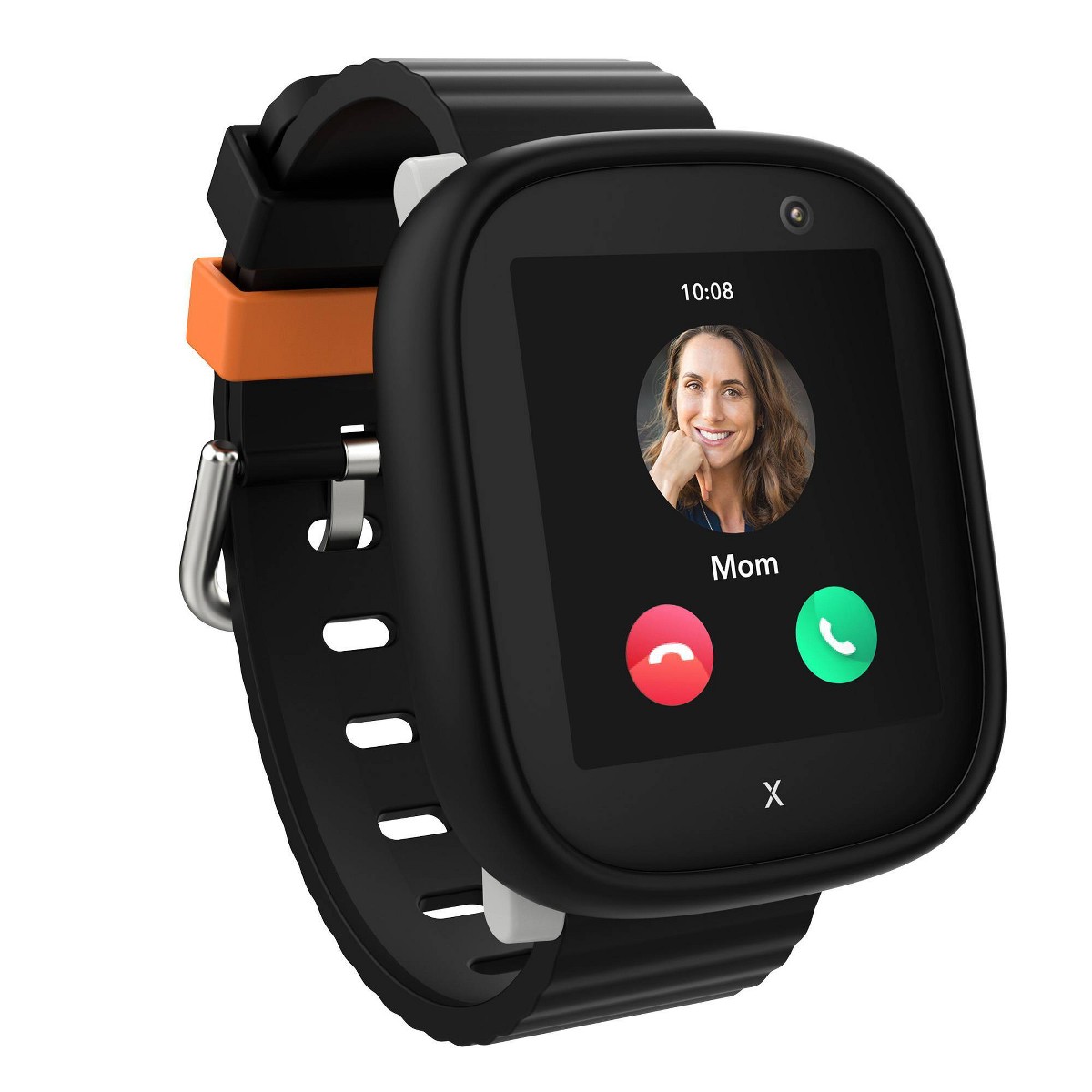
- Confirm cellular signal. No data connection means no assist data, no location uploads, and a frozen dot. A lot of "GPS" problems actually live here, and it's often a carrier mismatch rather than a defect -- see the carrier compatibility guide. Short version: the TickTalk 5, COSMO JrTrack 5, and Xplora X6Play run on AT&T and T-Mobile and do not work on Verizon. The Gizmo Watch is the Verizon-exclusive option, sold through Verizon directly rather than Amazon -- the newest model is the Gizmo Watch 4, available from Verizon, with the older Gizmo Watch 3 still sold for less.
- Enable WiFi positioning if your app offers it. It won't be GPS-grade, but it turns a half-mile cell-tower guess into a building-level answer.
- Reboot the watch, then the app. A stale GNSS state is real, and a restart forces fresh acquisition. This fixes more location weirdness than it has any right to.
- Check for firmware and app updates. Positioning and power-management logic get tuned in firmware more often than you'd expect.
- Widen your geofences. False enter/exit alerts usually mean the geofence is tighter than the watch's real error margin. Give home and school a generous radius. More on tuning alerts in our safety features guide.
- Re-pair or factory reset as a last resort, only after everything above. You'll redo setup from scratch.
When It's the Hardware, Not the Settings
Sometimes you've done all of the above and the watch is still a block off outdoors, in the open, with a fresh timestamp. At that point it's the chipset. Two watches here are meaningfully better at raw positioning, and it shows in exactly the hard cases -- tree cover, cities, first-fix speed.
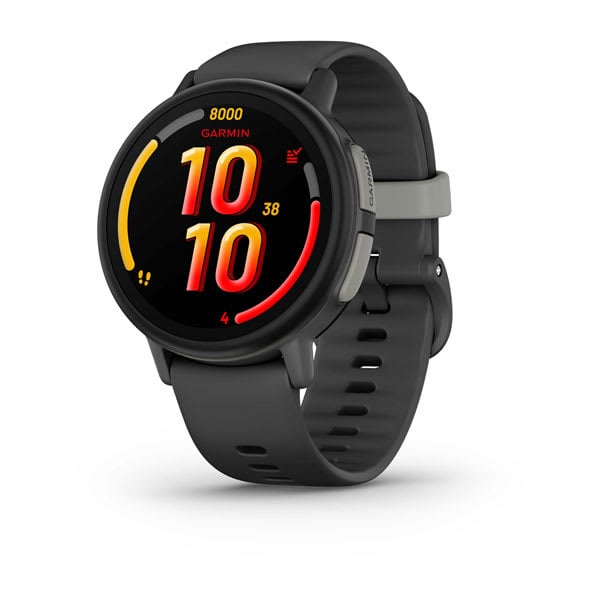
Garmin Bounce 2 -- $299.99. Garmin has built navigation hardware for decades and it shows. Multi-GNSS positioning gives it the most reliable fix of anything I've tested on a kid's wrist, and it's the one watch I trust downtown. 5 ATM swim-proof, AMOLED screen, roughly two days of battery, Garmin's own $9.99/month service. No camera, and $299.99 is a lot. Full details in our Garmin Bounce 2 review.
Check Price on Amazon
COSMO JrTrack 5 -- $99.99. COSMO's HaloGPS is the only system I'd put in the same conversation as Garmin, and it costs less than half as much. Ages 4-12, AT&T and T-Mobile, and Spotify Kids on board. If GPS accuracy is your top priority but $300 isn't happening, this is the pick. See the COSMO JrTrack 5 review for the full breakdown.
Check Price on Amazon
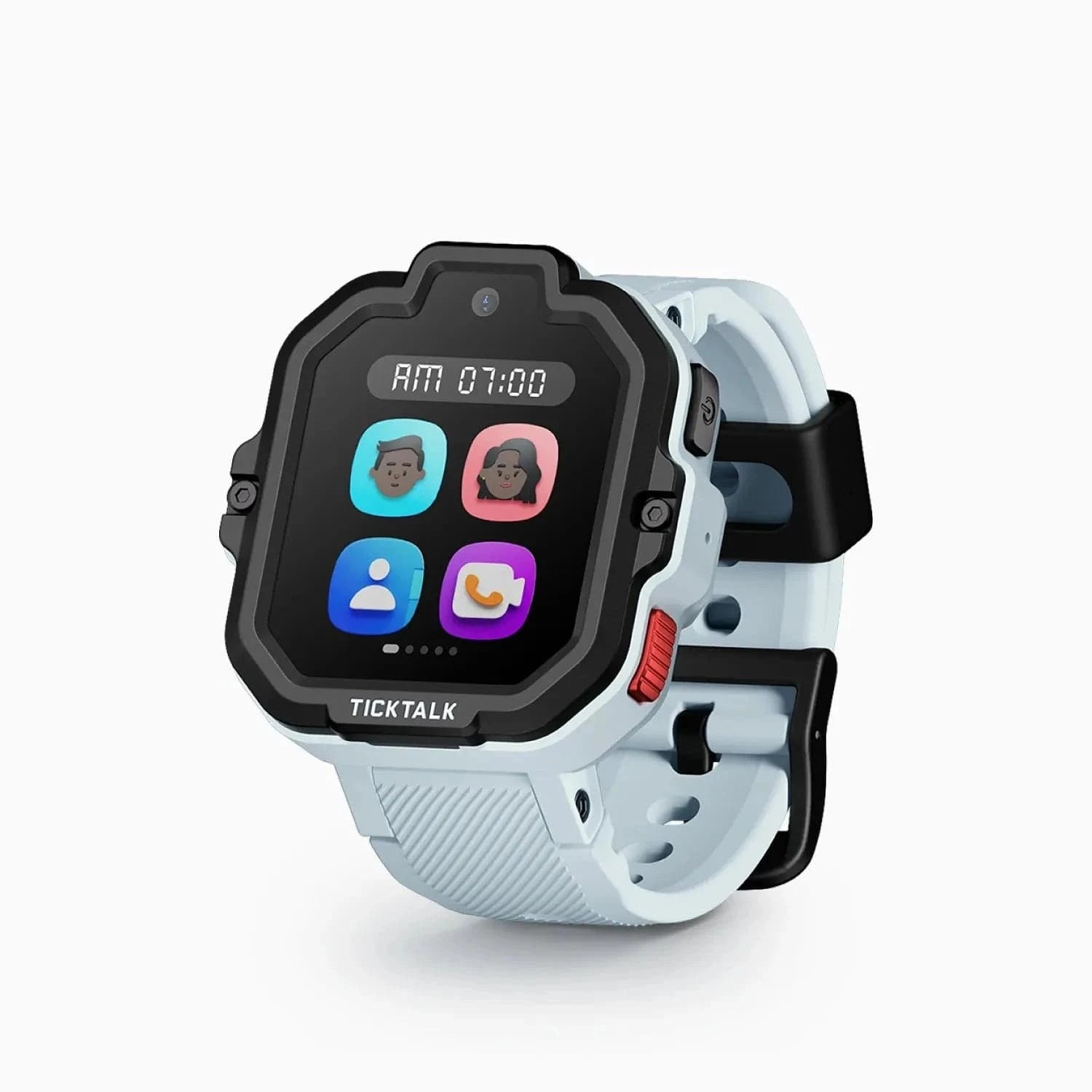
The TickTalk 5 at $159.99 sits below those two on pure positioning but does more overall -- AI SmartPin GPS with Google Maps integration, HD video calling, a camera, a 48-hour battery, and the widest age range here at 3-12. It's IP67, so rain and handwashing are fine but swimming is not. If you want a well-rounded watch and can accept slightly softer accuracy in dense areas, that was the one we recommended -- TickTalk has replaced it with the TickTalk 6, but it is back in stock on Amazon.
Check price on Amazon
If you're shopping specifically on location performance, our roundup of the best GPS smartwatches for kids ranks the whole field. And if what you actually want is a cheap "where is my kid's backpack" answer rather than a communication device, it's worth reading kids smartwatch vs. AirTag before you spend $300.
The Expectation Reset
A kids smartwatch is not a surveillance drone. It answers "roughly where is my kid, roughly right now," plus it gives you a number to call. Outdoors and awake, a good one puts your child within a house or two. Indoors, in the right building most of the time. In a mall or stadium, in the right general area and that's it.
Once I stopped expecting street-address precision at all times, the watches got far more useful -- because I started reading the dot the right way and calling my kid when I actually needed to know.
Frequently Asked Questions
Why does my kid's smartwatch show the wrong location?
Most often the watch could not get a satellite fix and fell back to cell tower triangulation, which is only accurate to a few hundred feet or worse. This happens indoors, in basements, and inside large buildings. It can also mean the app is showing a cached last-known position from an earlier fix. Check the location timestamp in your app before assuming the GPS is broken -- a stale time means a connectivity problem, not an accuracy problem.
How accurate should a kids GPS smartwatch be?
Outdoors with a clear view of the sky, expect roughly 10 to 30 feet from a good watch -- close enough to identify a house. Indoors, accuracy typically degrades to 50 to 150 feet on WiFi positioning, and several hundred feet or more on cell towers alone. Watches with premium multi-GNSS chipsets, like the Garmin Bounce 2 and the COSMO JrTrack 5 with HaloGPS, hold tighter accuracy in tree cover and cities than budget models do.
Why is my child's location not updating?
Most kids watches report on a schedule rather than streaming continuously, so the position can lag reality. If your reporting interval is set to 10 minutes, the position you see can legitimately be 10 minutes old. Use the on-demand refresh or locate-now action in your parent app to force an immediate fix. If the location still won't update, check that the watch has battery, has cellular signal, and isn't in a school mode or sleep window that suspends tracking.
Does GPS work indoors on a kids smartwatch?
Not reliably. GPS signals are extremely weak by the time they reach the ground and do not pass well through concrete, metal roofing, or multiple floors. Indoors the watch switches to WiFi positioning or cell tower triangulation, which is why the dot often jumps to a nearby street or parking lot when your child walks into school. This is normal physics, not a defect, and no setting change will fix it.
Will a shorter update interval drain the battery?
Yes, noticeably. The GPS receiver and the cellular radio are the two biggest power consumers on these watches, and a shorter interval wakes both more often. Going from a 10-minute to a 1-minute interval can cut runtime substantially. I keep a moderate interval for daily use and shorten it temporarily for specific situations -- a field trip, a walk home alone, or the first week at a new school -- then set it back.
Which kids smartwatch has the most accurate GPS?
The Garmin Bounce 2 at $299.99 has the best GPS tracking in the category, using multi-GNSS positioning from a company that has built navigation hardware for decades. The COSMO JrTrack 5 at $99.99 actually posted a tighter outdoor fix in our testing -- 5 to 10 feet via HaloGPS -- at less than half the price; the Garmin's edge is consistency rather than peak precision. Both meaningfully outperform budget kids watches in tree cover, dense neighborhoods, and time-to-first-fix.