Safety Guides|
Smartwatch vs Phone for Kids: A Parent's Safety Guide (2026)
Should your child get a smartwatch or a phone? We break down safety, screen time, GPS tracking, costs, and age-appropriateness to help you decide.
GPS, geofencing, SOS buttons, safe zones — we rank every safety feature in kids smartwatches by what actually keeps your child safe, and which ones are marketing fluff.
| Watch | Price | Rating | Ages | Best For | |
|---|---|---|---|---|---|
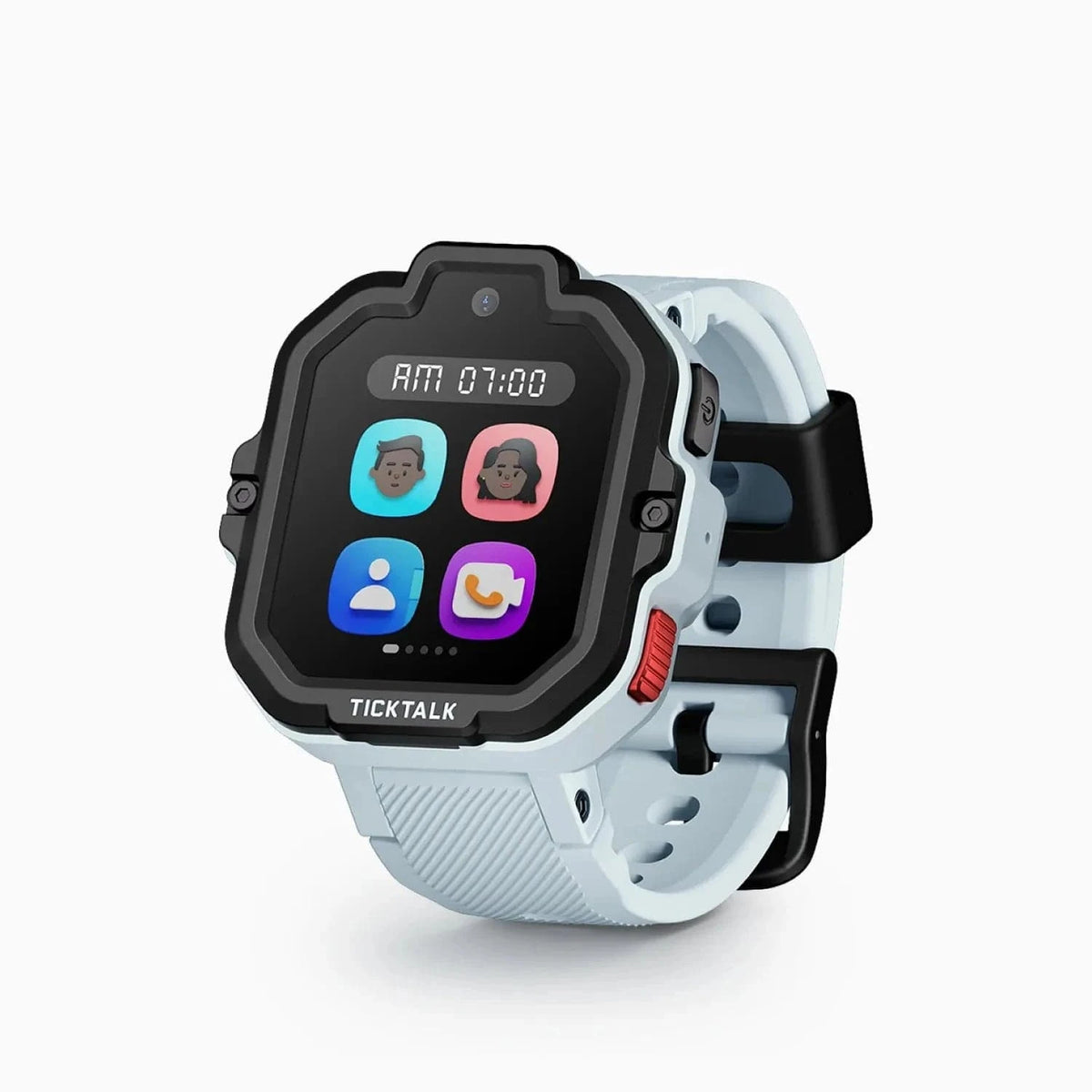
| TickTalk 5 | $159.99 | ★★★★☆ 4.3 | 3-12 | 3-12 | |
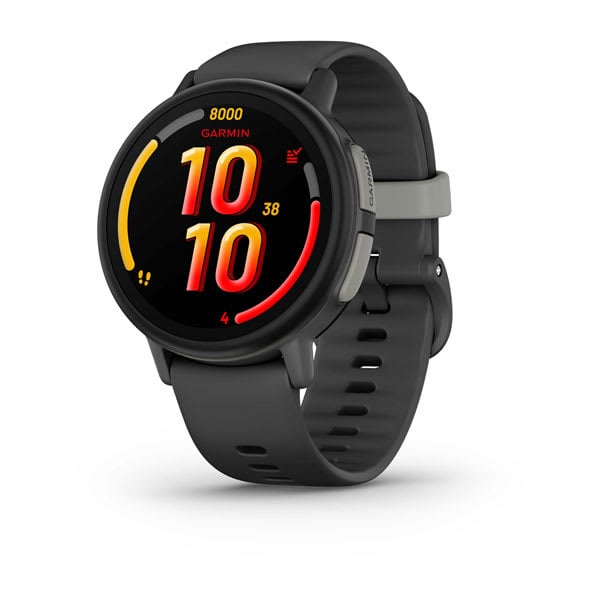
| Garmin Bounce 2 | $299.99 | ★★★★☆ 4.3 | 6-12 | 6-12 | |
| Xplora X6Play | $169.99 | ★★★½☆ 3.8 | 5-12 | 5-12 | |
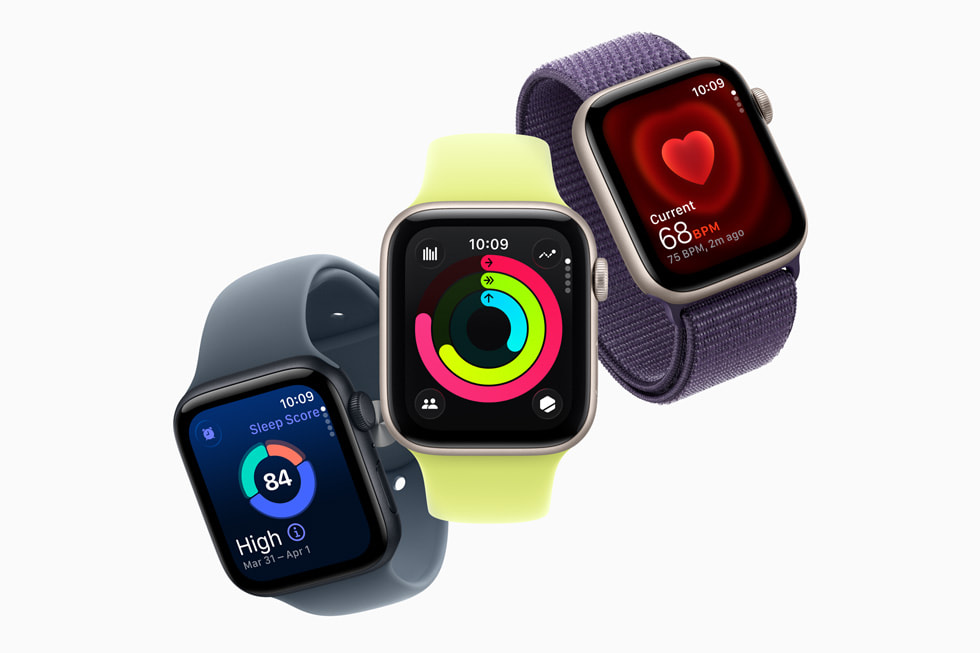
| Apple Watch SE 3 | $249.00 | ★★★½☆ 3.8 | 8-14 | 8-14 |
Prices may vary. As an Amazon Associate we earn from qualifying purchases.
Affiliate Disclosure: This article contains affiliate links. If you purchase through our links, we may earn a small commission at no extra cost to you. We only recommend products we have personally tested and believe in. Our opinions are our own and are not influenced by any affiliate partnerships.
The short answer: The safety features that actually matter are GPS tracking, geofencing/safe zones, an SOS button, and an approved contact list -- the last one I consider non-negotiable, and everything else is a bonus. If you just want a watch that nails all of them, the TickTalk 5 was my best overall safety pick -- it checks every box and had the fastest SOS response time I tested. TickTalk has since replaced it with the TickTalk 6, and while the TickTalk 5 is back in stock on Amazon, I no longer name it my top pick.
Let me guess why you are here. Your kid is getting older, venturing further from your line of sight, and you are feeling that familiar knot in your stomach. Maybe they are walking to school for the first time. Maybe they are old enough for a playdate drop-off. Maybe you just watched the news and thought, "I need to know where my child is."
I have been there. As a parent, the moment the oldest test kid started biking around the neighborhood on his own was the moment I started seriously researching kids smartwatches. Not for the games, not for the step counting, but for the safety features. That is the real reason most of us are shopping in this category, and it is the right reason.
But here is the problem: manufacturers throw around terms like "geofencing," "real-time GPS," and "SOS alerts" without ever explaining what these features actually do, how accurate they really are, or which ones you should prioritize. After testing over a dozen kids smartwatches with real kids over the past two years, I want to give you the honest, practical breakdown I wish someone had given me.
This guide covers every major safety feature you will find in kids smartwatches, explains exactly how each one works, and tells you which ones matter most based on your child's age. No jargon. No hype. Just what you need to know to make a smart decision.
GPS tracking is the headline feature, the one that sells the watch, and the one parents care about most. But "GPS tracking" is actually a simplification of what is happening on your child's wrist.
How it actually works:
Most kids smartwatches do not rely on GPS satellites alone. They use a combination of three positioning technologies:
The watch constantly blends data from all three sources to give you the best location estimate it can.
What accuracy to actually expect:
This is where marketing and reality diverge. Manufacturers love to quote "accurate to 10 feet." Here is what I have actually measured:
| Scenario | Typical Accuracy |
|---|---|
| Outdoors, open sky (park, field) | 10-30 feet |
| Outdoors, near buildings | 20-50 feet |
| Indoors, near windows | 50-150 feet |
| Deep indoors (mall, school interior) | 150-500+ feet |
| Underground / parking garage | Often no signal |
In my testing, the Garmin Bounce had the best outdoor GPS accuracy thanks to its multi-GNSS support (GPS, GLONASS, and Galileo satellites). The Apple Watch SE was a close second, and its Wi-Fi positioning made it the winner for indoor accuracy.
Real-time vs. periodic updates:
There are two ways watches report location. Real-time tracking sends a continuous stream of updates, typically every few seconds. Periodic tracking sends a location ping at set intervals, usually every 1 to 10 minutes, which you can configure in the parent app.
Real-time tracking gives you a smoother, more accurate picture of your child's movement, but it destroys battery life. Most watches default to periodic updates and only switch to real-time when you actively open the map in the parent app. This is a reasonable tradeoff. In an emergency, you open the app and get real-time data. The rest of the time, the watch conserves battery by checking in every few minutes.
The bottom line on GPS: It is genuinely useful and mostly reliable outdoors. Do not expect pinpoint accuracy inside buildings. And remember, even a 100-foot accuracy circle tells you your child is at school, not at a stranger's house. That general awareness is the real value. If you are weighing whether a GPS smartwatch or a simpler tracker like an Apple AirTag is the right fit, our kids smartwatch vs AirTag comparison covers the key differences.
Geofencing is the feature that turns GPS tracking from passive to proactive. Instead of you constantly checking the map, the watch alerts you when your child enters or leaves a designated area.
How it works:
In the parent app, you draw a circle (or sometimes a polygon) on a map around a location, like your home, their school, or the neighborhood park. You name it something like "Home" or "Soccer Practice." When the watch's GPS detects that your child has crossed that boundary, you get a push notification on your phone.
Most watches let you create between 3 and 10 safe zones. Some let you set zones to be active only on certain days, which is useful for weekly activities.
Real-world reliability:
Here is where I need to be honest. Geofencing is not instant. In my testing across six different watches, there was typically a 1 to 3 minute delay between when a test kid physically crossed a boundary and when I received the notification. Occasionally it was longer. This is because the watch only checks its GPS position periodically, not continuously, to save battery.
There were also occasional false alerts, particularly when a safe zone boundary was near a building where GPS accuracy drops. Setting a slightly larger radius than you think you need (200 meters instead of 100) reduces false positives significantly.
The Xplora X6Play and TickTalk 5 both handled geofencing well in my testing. The Xplora's app made it particularly easy to draw and manage multiple zones.
The bottom line on geofencing: It is a great passive safety net. Do not expect it to work like a motion-sensor alarm. Think of it more like a "your child is probably no longer at school" notification. That is still incredibly valuable.
The SOS button is the safety feature I hope you never need but absolutely want on your child's wrist. Every kids smartwatch worth buying has one.
How it works:
When your child presses and holds the SOS button (usually for 3 to 5 seconds to prevent accidental triggers), the watch does some combination of the following, depending on the model:
I actually tested SOS response times with our test kids by running drills. I told them to pretend they needed help and press the button. Here is what I found:
| Watch | Time to Notification | Time to Auto-Call | Audio Recording |
|---|---|---|---|
| TickTalk 5 | 3-5 seconds | 5-8 seconds | Yes (10-second clip) |
| Xplora X6Play | 4-7 seconds | 6-10 seconds | Yes |
| Gabb Watch 3e | 3-6 seconds | 5-9 seconds | No |
| Garmin Bounce | 4-8 seconds | 8-12 seconds | No |
| Apple Watch SE | 3-5 seconds | 5-8 seconds | No (calls 911 directly via Fall/Crash Detection) |
All watches delivered the alert within 10 seconds, which is excellent. The TickTalk 5's audio recording feature is genuinely useful because it gives you immediate context about what is happening, whether you can answer the call or not. (You can read our full TickTalk 5 review for a deeper look at how its safety features perform over eight weeks of daily use.)
Important note on accidental triggers: Your child will accidentally trigger SOS alerts. It will happen during sports, during rough play, or just from fiddling with the button. Most watches require a 3 to 5 second hold to prevent this, but kids still manage. Do not panic when it happens. Check the app, see the location, call them back, and move on. It is better to have a few false alarms than to not have the feature at all.
This is the safety feature that does not get enough attention. An approved contact list means your child's watch can only make calls to and receive calls from numbers you have specifically authorized in the parent app.
Why this matters more than you think:
A regular phone lets anyone call your child. A properly configured kids smartwatch with an approved contact list is a closed system. Your child cannot call random numbers or receive calls from strangers, telemarketers, or anyone else you have not personally vetted.
Most watches allow 10 to 50 approved contacts. The setup process is straightforward: you add phone numbers in the parent app and assign them a name and optional photo. Only those numbers can communicate with the watch.
The Gabb Watch 3e does this particularly well. Gabb built its entire brand philosophy around controlled communication, and it shows in how clean and intuitive the contact management system is.
The bottom line: If a watch does not have contact restrictions, think carefully before putting it on your child. The approved contact list is a non-negotiable feature in my view. It is simple, effective, and gives you control over exactly who can reach your kid.
School mode disables most watch functions during hours you specify, usually school hours. When active, the watch face shows only the time. Games, calls, messages, and other distractions are locked out.
Why it matters:
Teachers do not want smartwatches buzzing and beeping during math class, and honestly, neither do you. Multiple parents I have talked to had their kids' watches confiscated at school before they discovered this feature. School mode solves the problem.
Most watches let you set separate schedules for each day of the week. Some, like the Xplora X6Play, even disable school mode automatically during holidays and weekends if you configure the schedule.
One critical detail: On most watches, the SOS button still works during school mode. This is intentional and important. Your child can still reach you in a genuine emergency even when the watch is otherwise locked down. Verify this is the case for whatever watch you choose, because a handful of cheaper watches disable everything, including SOS, during do-not-disturb hours.
I am going to be straightforward about this one because it is the most controversial safety feature in the category.
What it is: Remote listen-in lets you silently activate the watch's microphone from the parent app to hear what is happening around your child. The watch gives no visible indication that the mic is active, so your child does not know you are listening.
Which watches have it: The TickTalk 5 and several other watches offer this feature. Notably, the Garmin Bounce and Apple Watch SE do not.
My honest take: I understand why this feature exists. If your child triggers an SOS alert and you cannot reach them by phone, being able to listen to their surroundings provides critical context. Is the child lost in a store? Is someone threatening them? Are they just at a noisy playground and missed the call? That audio context matters.
However, I also believe this feature should be used sparingly and only for genuine safety concerns. Routinely listening in on your child's conversations with friends is a fast way to erode trust. I will dig deeper into this balance in the privacy section below.
Legal note: Remote monitoring features may be subject to wiretapping and privacy laws depending on your jurisdiction. In some countries, watches with this feature have been banned entirely. Germany, for example, banned kids watches with undisclosed monitoring capabilities in 2017. Know your local laws.
Location history records your child's GPS positions over time, creating a breadcrumb trail you can review later on the map in the parent app.
How it works: At regular intervals (typically every 1 to 15 minutes), the watch logs its GPS position to the server. You can then open the parent app and view a timeline of where the watch has been throughout the day, the week, or sometimes longer.
Real-world usefulness:
I have found this feature most useful in a few specific scenarios:
Most watches store 7 to 30 days of location history. The Apple Watch SE integrates with Apple's Find My network, giving you a particularly smooth location history experience. The Jiobit tracker, while not a full smartwatch, excels here with extremely detailed breadcrumb trails and long data retention.
These are newer features that are starting to appear in more watches, especially as sensor technology improves.
Fall detection: The Apple Watch SE is the standout here. Its accelerometer and gyroscope can detect when the wearer has taken a hard fall. If the watch detects a fall and the wearer does not respond within about a minute, it automatically calls emergency services and sends your location to emergency contacts. For active kids who climb trees, skateboard, or ride bikes, this is genuinely reassuring.
In my testing, the Apple Watch correctly detected a staged hard fall (I had one of our testers fall onto gym mats from a moderate height). It did not trigger from normal rough play, jumping, or sport impacts, which tells me the algorithm is well-tuned. That said, I would not buy an Apple Watch for a 5-year-old solely for this feature. It makes more sense for kids 10 and up who are doing more independent physical activity.
Removal alerts: Some watches can detect when they have been removed from the wrist and send you a notification. The Xplora X6Play has a version of this feature. It is not foolproof; the sensors can sometimes be tricked, and a slowly removed watch may not trigger the alert. But it adds another layer of awareness.
How reliable are these features? Fall detection on the Apple Watch is genuinely good, backed by years of refinement from adult use cases. Removal detection across the category is less reliable and should be considered a bonus rather than a feature you depend on.
Here is a side-by-side look at which watches offer which safety features. This table covers the watches I have personally tested and recommend.
| Safety Feature | TickTalk 5 | Xplora X6Play | Garmin Bounce | Gabb Watch 3e | Apple Watch SE | Jiobit |
|---|---|---|---|---|---|---|
| GPS Tracking | Yes | Yes | Yes (Multi-GNSS) | Yes | Yes | Yes |
| Geofencing | Yes | Yes | Yes | Yes | Yes | Yes |
| SOS Button | Yes | Yes | Yes | Yes | Yes (via side button) | No |
| Approved Contacts | Yes | Yes | Yes | Yes | Yes (via Family Setup) | N/A |
| School Mode | Yes | Yes | Yes | Yes | Yes (via Focus) | N/A |
| Remote Listen-In | Yes | Yes | No | No | No | No |
| Location History | Yes (7 days) | Yes (7 days) | Yes (7 days) | Yes (7 days) | Yes (via Find My) | Yes (30 days) |
| Fall Detection | No | No | No | No | Yes | No |
| Removal Alert | No | Yes | No | No | No | No |
| Two-Way Calling | Yes | Yes | Voice msg only | Yes | Yes | No |
| Video Calling | Yes | Yes | No | No | Yes (FaceTime) | No |
Not every child needs every feature. Here is how I think about it based on age and development stage.
At this age, your child is always with a caregiver. The watch is a safety net for unusual situations: a crowded amusement park, a large family gathering, or the rare moment they wander out of sight.
Priority features:
Best picks for this age: The Jiobit tracker (clips to clothing, no screen to distract) or the Garmin Bounce (simple interface, tough build). We go deeper on this age group in our guide to the best smartwatches for 5-year-olds.
This is when most parents buy their first kids smartwatch. Your child is walking to school, going to friends' houses, and spending time at activities without you present.
Priority features:
Best pick for this age: The Xplora X6Play. It has strong safety features and enough communication options to make your child feel independent. (The TickTalk 5, my former pick here, is back in stock on Amazon while stock lasts.)
Pre-teens need safety features, but they also need to feel like they are not being surveilled. This is the age where you start transitioning from monitoring to check-ins.
Priority features:
Best pick for this age: The Apple Watch SE. It feels grown-up, has excellent safety features including fall detection, and Apple's Family Setup lets you control it without making your child feel like they are wearing a tracking device.
This section is important, and I want to be thoughtful about it.
Every safety feature I have described above is a monitoring tool. GPS tracking is monitoring. Geofencing is monitoring. Location history is monitoring. And remote listen-in is, quite literally, surveillance. These tools exist because kids need protection, and they work. But they also create a dynamic where your child knows (or eventually figures out) that you are watching their every move.
Here is what I have learned from two years of using these watches with our test kids:
Be transparent about what the watch does. When one of our test kids got his first watch, I showed him the parent app. I showed him the map with his location dot. I told him, "This helps me know you are safe when I am not with you." He was fine with it. Kids that age understand safety. What they do not handle well is discovering they are being monitored without their knowledge.
Scale back as they earn trust. When one of our testers first walked to school alone, I checked the app obsessively. Every two minutes. After a week of seeing the same reliable route, I checked once at arrival time. After a month, I only checked if she was late. That progression from constant monitoring to occasional check-ins is healthy for both of you.
Use the data to give freedom, not restrict it. The whole point of these safety features is to give your child more independence, not less. Location history that shows your child reliably walks straight home is evidence that they are ready for the next step, maybe biking to a friend's house. Frame the watch as a tool that earns them freedom.
Know when to stop listening. If your child is 11 and you are using remote listen-in to eavesdrop on playground conversations, it is time to reassess. That feature is for safety emergencies, not social monitoring.
The goal is to work yourself out of the monitoring job. These watches are training wheels. Eventually, your child will not need them, and that is a sign you did your job well.
Not all kids smartwatches are created equal when it comes to safety. Here are warning signs I look for when evaluating a watch.
Open or unmoderated chat rooms. Some cheaper watches include social features that let your child chat with any other user of the same watch brand. This is a significant risk. If a watch has any form of open chat functionality that is not restricted to approved contacts, avoid it.
Unfiltered internet access. A kids smartwatch with a full web browser and no content filtering is just a tiny, worse smartphone. If the watch can access the open internet, it needs robust parental controls. Most of the watches I recommend either have no browser at all or include filtered, parent-controlled browsing.
No contact restrictions. If a watch lets your child dial any phone number or receive calls from any number, it is missing a fundamental safety feature. Every watch on my recommended list has approved contact lists.
Cheap unbranded watches with security vulnerabilities. This is the big one. In 2019, researchers found that several popular budget kids smartwatches had severe security flaws, including unencrypted data transmission, default passwords that could not be changed, and servers that leaked children's real-time locations to anyone who knew where to look. Stick with established brands that have a track record of security updates and responsible data handling. The watches I recommend, from Garmin, Apple, Xplora, TickTalk, Gabb, and Jiobit, have all demonstrated reasonable security practices.
Watches that store data without encryption. Ask whether location data is encrypted in transit and at rest. Reputable brands will be transparent about this. If a manufacturer cannot answer basic questions about how they protect your child's data, walk away.
If you have read this far and want a quick answer on what to buy, here are my recommendations based purely on safety capabilities.
Former pick for overall safety features: TickTalk 5 — It checks every box. GPS, geofencing, SOS with audio recording, approved contacts, school mode, remote listen-in, and location history. The SOS response time was the fastest I tested. (TickTalk has since replaced it with the TickTalk 6, which nobody has tested yet; the TickTalk 5 is back in stock on Amazon, but stock is finite.)
Best GPS Tracking: Garmin Bounce — Multi-GNSS support gives it the best outdoor positioning of any watch I tested. If knowing your child's exact location matters most, this is the one.
Best for Older Kids (10-12): Apple Watch SE — Fall detection, crash detection, and emergency SOS that can contact 911 directly. The most mature safety feature set, and your pre-teen will actually want to wear it.
Best for Younger Kids (4-7): Jiobit — Not a watch, but a tiny GPS tracker that clips to clothing or shoes. No screen, no distractions, just rock-solid location tracking with the best breadcrumb trail in the category. Perfect for kids too young for a watch.
Best All-Around Value: Xplora X6Play — Strong safety features, good build quality, and a price point that does not sting. A solid choice for the 7-to-10 age range.
Best Controlled Communication: Gabb Watch 3e — Gabb's entire philosophy is safe, limited communication for kids. If minimizing your child's exposure to digital risks is your top priority, Gabb gets it right.
Outdoors with a clear sky, most kids smartwatches are accurate to within 10 to 50 feet. Indoors, accuracy drops significantly, sometimes to 150 feet or more. The watch uses a combination of GPS satellites, Wi-Fi positioning, and cell tower triangulation to get the best location it can. Do not expect building-level precision inside a mall, but outdoor accuracy is genuinely reliable.
It depends on the watch. Some watches, like the Apple Watch SE, support direct emergency calling to 911. Others, like the TickTalk 5, dial your preset emergency contacts in sequence. You can add your local emergency number to the contact list on most watches if you want your child to be able to reach 911 directly.
Most safety features require an active cellular plan. GPS tracking, SOS alerts, geofencing notifications, and calling all depend on a cellular data connection to transmit information to the parent app. Without a SIM card and active plan, the watch is essentially a digital wristwatch with a step counter. Budget roughly $10 per month for the cellular plan.
Battery life varies widely. In my testing, the Garmin Bounce lasted 2 to 3 days with periodic GPS updates. The TickTalk 5 typically lasted about two days (~48 hours), and the Xplora X6Play 1 to 1.5 days. The Apple Watch SE needs daily charging. More frequent GPS polling drains the battery faster, so there is always a tradeoff between tracking precision and battery life.
This depends on your jurisdiction. In the United States, parents generally have the legal right to monitor their minor children. However, in some countries, particularly in the European Union, watches with undisclosed monitoring features have been banned or restricted. Germany banned the sale of kids watches with covert surveillance capabilities in 2017. Check your local laws before relying on this feature.
When the watch cannot get a GPS fix, it falls back to Wi-Fi positioning, then to cell tower triangulation. The location shown in the parent app will be less accurate, but you will still get a general idea of your child's area. Most apps clearly indicate when the location is based on a less accurate source. If the watch loses all connectivity, it will store location data locally and upload it once the connection is restored.
Not if the watch has an approved contact list and you have configured it properly. All of the watches I recommend restrict incoming and outgoing communication to parent-approved numbers only. This is one of the most important safety features, and it is a key advantage over giving a child a regular smartphone.
Water resistance varies by model. The Garmin Bounce is rated at 5 ATM, meaning it is swim-proof. The Apple Watch SE is also rated for swimming. Others, like the Xplora X6Play, are rated IP68 (submersible, but not swim-rated) and not designed for swimming. Since kids are unpredictable around water, I recommend choosing a watch with at least IP68 water resistance. We ranked the top options in our best waterproof smartwatches for kids guide.
There is no universal answer, but most parents I talk to land in the 5-to-7 range for a first device. The trigger is usually a life change that introduces more independence: walking to school, playing outside unsupervised, or spending time at activities without a parent present. For younger kids (4-5), a clip-on tracker like the Jiobit may be more practical than a wrist-worn watch.
Frame it positively. Instead of "I need to know where you are because the world is dangerous," try "This watch lets us stay connected even when we are not together. You can call me whenever you want, and I can find you if we ever get separated." Kids respond to the communication aspect — being able to call mom or dad — more than the tracking aspect. Make the watch feel like a tool for connection, not control.
After two years of testing kids smartwatches, here is what I know for certain: no watch is a substitute for teaching your child about safety. The best GPS tracker in the world cannot prevent a dangerous situation. What it can do is give you faster awareness and response time when something unexpected happens, and give your child a reliable way to reach you when they need help.
The safety features in modern kids smartwatches are genuinely impressive. GPS accuracy has improved dramatically. SOS systems are fast and reliable. Geofencing works well enough to provide real peace of mind. And approved contact lists solve a problem that smartphones simply cannot.
Choose a watch with the safety features that match your child's age and independence level. Set it up properly. Have an honest conversation with your child about what the watch does and why. And then do the hardest part of parenting: let them go explore the world, knowing you have a safety net in place. If you want an even deeper look at the safety question, including privacy concerns, data security, and whether these devices are truly worth the trade-offs, read our guide on are kids smartwatches safe.
If you want help choosing a specific watch, check out our complete buying guide or our best GPS smartwatches for kids ranking. You can also see current pricing on every watch mentioned above at our deals page, or drop me a message. I answer every email personally and am always happy to help a fellow parent figure this out.
Should your child get a smartwatch or a phone? We break down safety, screen time, GPS tracking, costs, and age-appropriateness to help you decide.
Can a kids smartwatch be hacked? How private is your child's location data? An honest look at kids smartwatch security, privacy, and how to choose a safe one.
Parents worry about EMF radiation, GPS tracking privacy, hacking risks, and screen time. We break down the real safety concerns with kids smartwatches and what the research actually says.
How to see your child's location from your phone using a kids smartwatch -- live GPS tracking, location history, safe-zone alerts, and honest accuracy limits.
Should you track your child with a GPS smartwatch or an Apple AirTag? We compare real-time GPS tracking, communication, cost, and safety features to help you decide.
New review alerts, deal drops, and seasonal buying guides — delivered weekly. No spam, unsubscribe anytime.
No spam. Unsubscribe anytime.