Buying Guides|
Best Kids Smartwatches for School in 2026: Teacher-Approved Picks
Find the best kids smartwatches allowed at school. Features like school mode, silent alerts, and GPS tracking that teachers and parents both approve.
Back-to-school is prime time for a kids GPS smartwatch. Here's when to buy, our top teacher-approved picks, and a pre-first-day setup checklist so it just works.
| Watch | Price | Rating | Ages | Best For | |
|---|---|---|---|---|---|
| TickTalk 5 | $159.99 | ★★★★☆ 4.4 | 3-12 | Reliable silent/school mode keeps it quiet through class | |
| Garmin Bounce 2 | $299.99 | ★★★★☆ 4.3 | 6-12 | Best for Camera-Strict Schools | |
| Xplora X6Play | $169.99 | ★★★½☆ 3.9 | 5-12 | Best Dedicated School Mode | |
| Gabb Watch 3e | $229.99 | ★★★½☆ 3.5 | 6-12 | Simplest for Teacher Approval |
Prices may vary. As an Amazon Associate we earn from qualifying purchases.
Affiliate Disclosure: This article contains affiliate links. If you purchase through our links, we may earn a small commission at no extra cost to you. We only recommend products we have personally tested with our own kids.
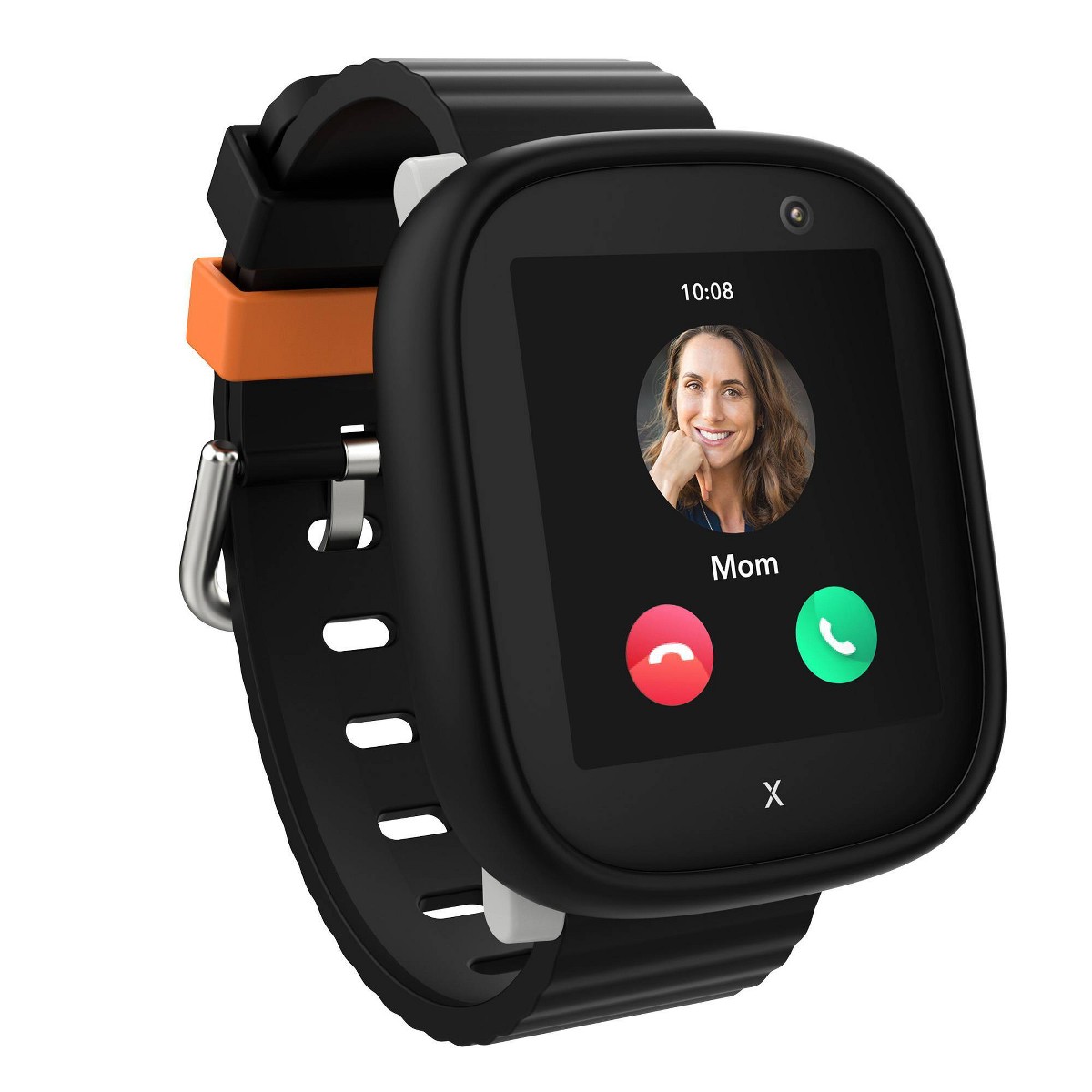
Former top pick: For most families heading into a new school year, the TickTalk 5 ($159.99) was our best all-around pick -- a reliable silent/school mode, a 48-hour battery that survives the full day, and HD video calling for pickup coordination. TickTalk replaced it with the TickTalk 6 in September 2026, and it is back in stock on Amazon (October 2026). If your school bans cameras, go with the Garmin Bounce 2 instead, since it has no camera to confiscate.
Here is how our four back-to-school picks compare at a glance:
| Watch | Price | Ages | Camera | Water Resistance | Best For |
|---|---|---|---|---|---|
| TickTalk 5 | $159.99 | 3-12 | Yes | IP67 (not swim-safe) | Previous gen; back on Amazon (Oct 2026) |
| Garmin Bounce 2 | $299.99 | 6-12 | No | 5 ATM (swim-proof) | Camera-strict schools |
| Xplora X6Play | $169.99 | 5-12 | Yes | IP68 (not swim-safe) | Dedicated school mode |
| Gabb Watch 3e | $229.99 | 6-12 | No | Not swim-proof | Simplest for teacher approval |
Back-to-school is the single best time of year to give your child a GPS smartwatch. A new school year means new routines — walking to the bus, after-school pickup logistics, drop-off activities, and more time out of your direct sight. A watch answers the two questions every parent has in that first hectic week: where is my kid right now, and can I reach them?
But there is a right and a wrong way to do this. Buy too late and you are setting up a brand-new device the night before the first day (or worse, the morning of). This guide covers when to buy, our top teacher-friendly picks, and a pre-first-day setup checklist so the watch just works when the bell rings.
The most common mistake I see is buying a kids smartwatch the weekend before school — or after a stressful first week without one. Here is the timing that actually works:
Bottom line: Aim to have the watch in hand and fully set up at least a few days before school starts.
For school specifically, the features that matter most are a reliable school mode (so the watch goes silent and locked during class), GPS that keeps tracking in the background, an SOS button, and no distractions teachers will object to. Here are the watches that nail those — see our full best kids smartwatches for school guide for the deep dive.
Update (October 2026): back in stock on Amazon. TickTalk has replaced the TickTalk 5 with the TickTalk 6 and its own store is sold out, but Amazon has the TickTalk 5 in stock again at $159.99, sold by TickTalk's Amazon storefront. It is no longer our top pick: stock is finite and its successor is on pre-order. The write-up below still stands. If you would rather not buy a previous-generation watch, the Xplora X6Play is the AT&T/T-Mobile-network alternative with a camera (it ships with an Xplora Connect SIM, ~$12/mo), and the COSMO JrTrack 5 costs less at $99.99.
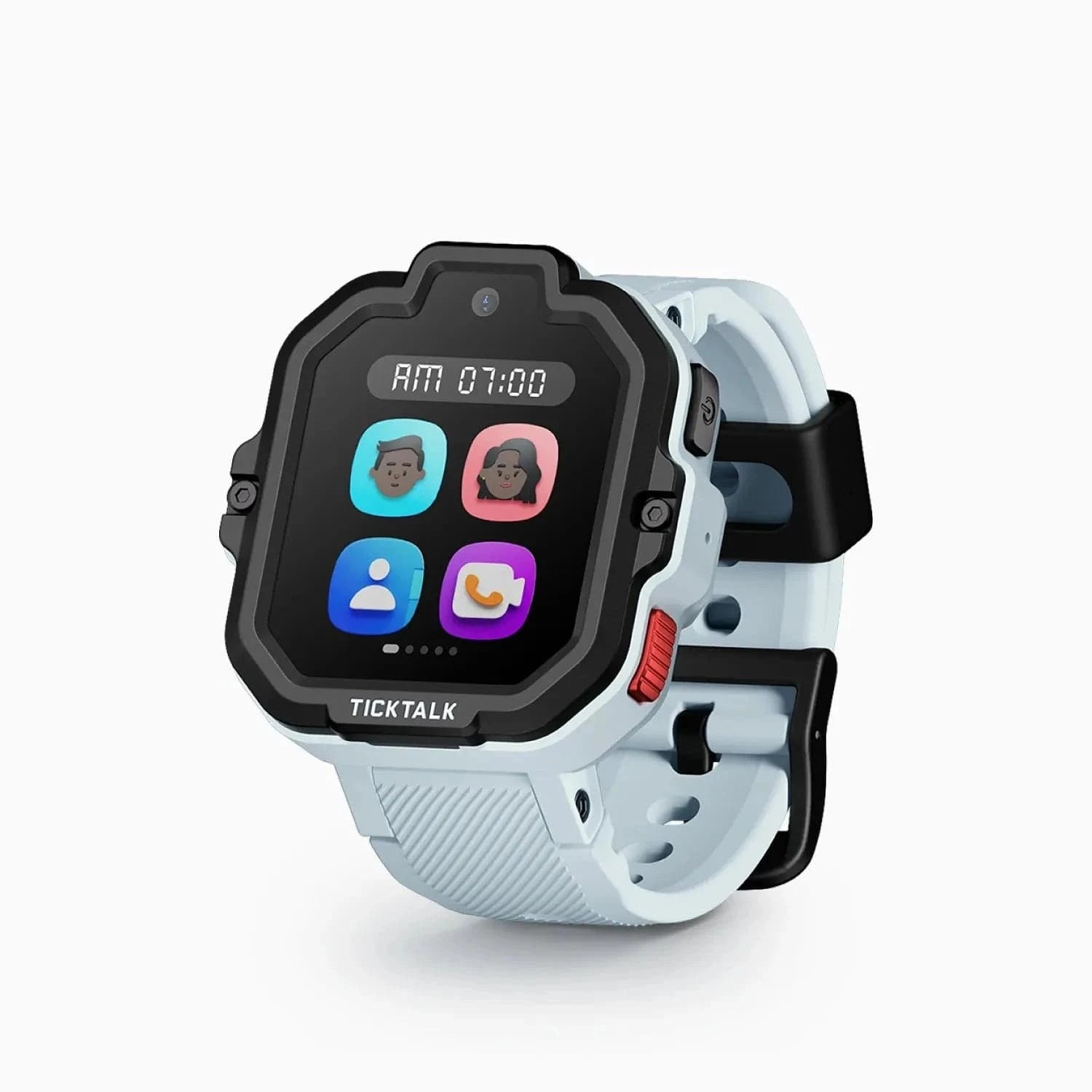
The TickTalk 5 was our overall top pick, and the one we'd hand most families heading into a new school year, until TickTalk replaced it in September 2026. Silent mode reliably keeps it quiet through class, the 48-hour battery covers a full day plus after-care without a midday panic, and the HD video calling is genuinely useful for sorting out pickup ("I'm at the second door, not the flagpole"). The one caveat: it has a camera, so check your school's policy first.
If your school bans camera devices — and many do — the Garmin Bounce 2 sidesteps the problem entirely by not having one. It also has the best GPS of anything we've tested, which matters most on the walk or bike ride to school, and it's 5 ATM swim-proof so recess, PE, and a downpour are non-events. It's the priciest pick at $299.99, but it's the one least likely to get confiscated.
No watch locks down harder during class than the Xplora X6Play. You set exact school hours per day of the week, and inside that window the watch does nothing but tell time — no calls, no messages, no camera. If you want to hand a teacher something you can promise is inert from 8:05 to 3:15, this is it.
The Gabb Watch 3e is the easiest "yes" you'll get from a school: no camera, no internet, no games, no app store. It does calling, texting to approved contacts, and GPS, and that's the whole list. Fewer features than the others, and at $229.99 after a price increase it costs more than the TickTalk 5 or Xplora X6Play — but the missing features are exactly the point when approval is your bottleneck.
Not sure which fits your child's age? Start with your child's age guide, then the school guide.
Do these in the days before school starts, not the morning of:
A kids smartwatch turns the back-to-school scramble into something calmer: you can see your child arrive at school, reach them after the bell, and coordinate pickup without a phone in their backpack. The key is to buy a week or two early, pick a watch with a genuine school mode, and run through the setup checklist before the first day — not during it.
Start with our best kids smartwatches for school guide for the full breakdown, check our best kids smartwatches for 2026 roundup for overall picks, or see current pricing on our deals page.
Buy it one to two weeks before the first day. You need time to activate the cellular plan, configure and test school mode, add contacts, and let your child get used to wearing and charging it. Setup takes 30-45 minutes, and plan activation can occasionally take a day to resolve, so don't leave it until the last weekend.
Most schools allow them if the watch has a school mode that locks it during class and you give the teacher a heads-up first. The safest choices are watches with a thorough school mode (like the Xplora X6Play) or no camera at all (like the Garmin Bounce 2), since some schools ban camera-equipped devices. See our full guide on whether kids smartwatches are allowed in school for the policies and how to clear it with the teacher.
For most families, the TickTalk 5 was the best all-around back-to-school pick until TickTalk replaced it with the TickTalk 6 in September 2026 -- solid school mode, reliable GPS, and excellent after-school video calling for pickup coordination. It is back in stock on Amazon, but we no longer name it our top pick. If your school bans cameras, the Garmin Bounce 2 is the safest choice. If you want the most airtight school-mode lockdown, the Xplora X6Play leads there.
Yes -- GPS tracking keeps running in the background for parents even while the watch is in school mode. On every watch we recommend, school mode locks the kid-facing features (screen, calls, messages, camera) but GPS tracking keeps running in the background for parents. You can check your child's location and get arrival/departure alerts throughout the school day, even while the watch shows only the time to your child and their teacher.
Getting one for the new year? Read our best kids smartwatches for school guide, our how to set up a kids smartwatch walkthrough, and check the deals page for current back-to-school pricing.
Going deeper on the single feature that decides whether the watch gets allowed or confiscated? See our school mode setup guide.
Find the best kids smartwatches allowed at school. Features like school mode, silent alerts, and GPS tracking that teachers and parents both approve.
Gizmo Watch 3 vs TickTalk 5: we compare GPS accuracy, video calling, battery, water resistance, and carrier lock-in to help you pick the right kids watch.
TickTalk 6 pre-orders are open at $169.99; TickTalk now expects to ship by October 5, 2026. Here are the full published specs, the monthly plan cost nobody mentions, and the eSIM change that ends bring-your-own-SIM.
Most schools allow kids GPS smartwatches if they have a school mode that silences everything but the clock -- here's how policies work and which watches teachers approve.
Bark Watch vs TickTalk 5: AI text monitoring for older kids versus HD video calling and value for younger ones. We break down GPS, camera, battery, and cost to name your winner.
New review alerts, deal drops, and seasonal buying guides — delivered weekly. No spam, unsubscribe anytime.
No spam. Unsubscribe anytime.