Buying Guides|
Kids Smartwatches for Back to School 2026: When to Buy + Setup Checklist
Back-to-school is prime time for a kids GPS smartwatch. Here's when to buy, our top teacher-approved picks, and a pre-first-day setup checklist so it just works.
Most schools allow kids GPS smartwatches if they have a school mode that silences everything but the clock -- here's how policies work and which watches teachers approve.
Gabb Watch 3e
$229.99· 3.5/5 rating
| # | Watch | Price | Rating | Ages | Best For | |
|---|---|---|---|---|---|---|
| 1 | Gabb Watch 3eTop Pick | $229.99 | ★★★½☆ 3.5 | 5-12 | Easiest teacher approval | |
| 2 | Garmin Bounce 2 | $299.99 | ★★★★☆ 4.3 | 6-12 | Clears any camera ban | |
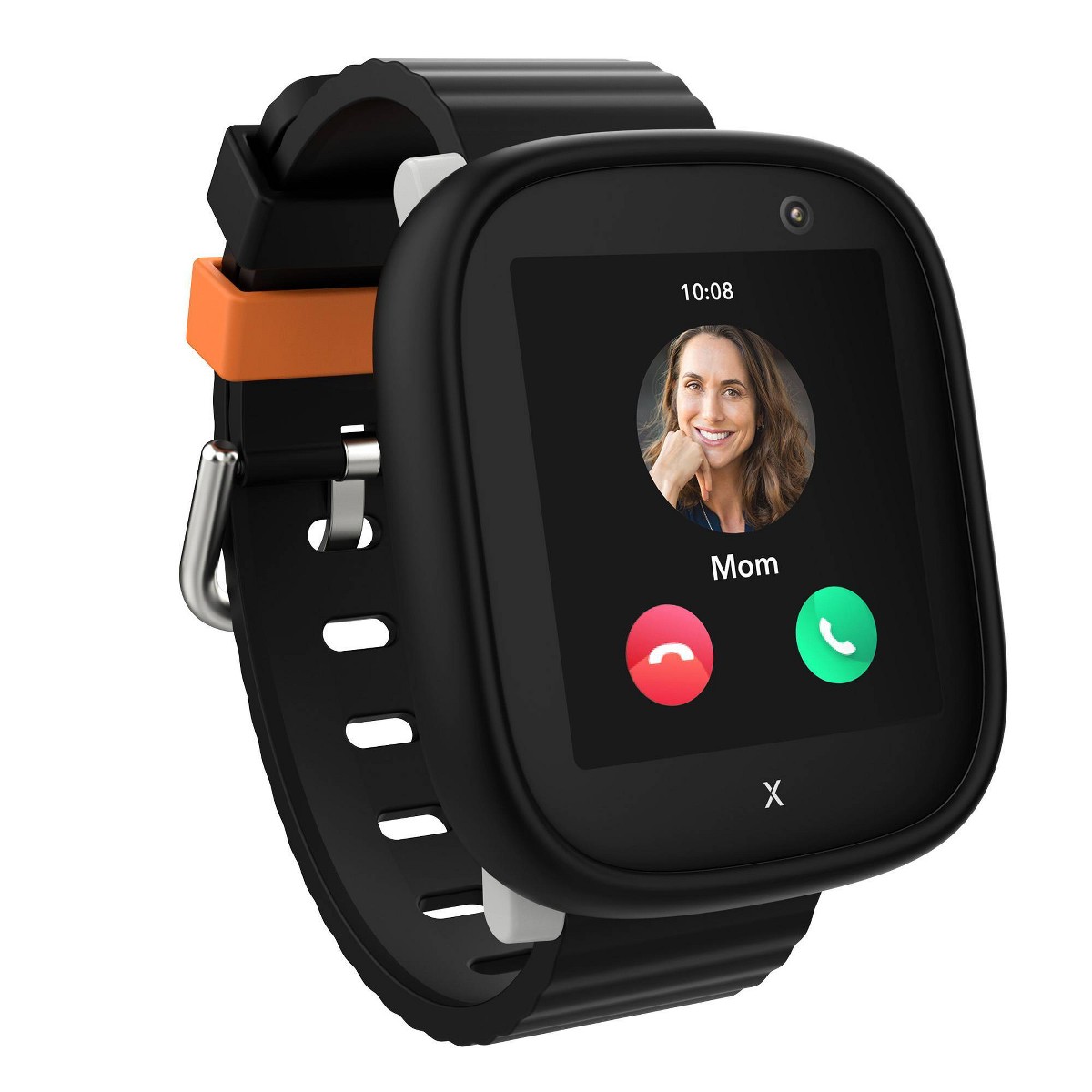
| 3 | Xplora X6Play | $169.99 | ★★★½☆ 3.8 | 5-12 | Most thorough school mode | |
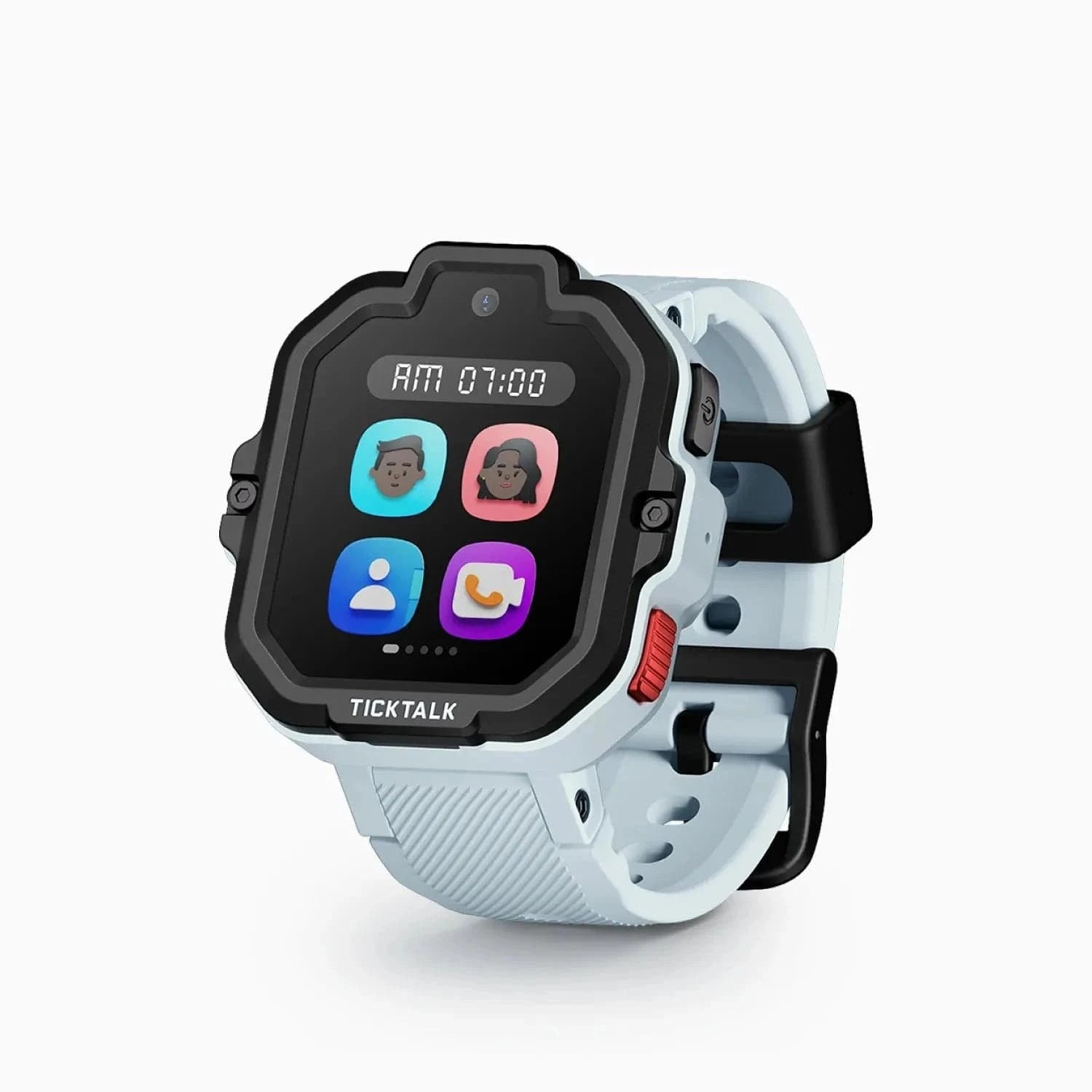
| 4 | TickTalk 5 | $159.99 | ★★★★☆ 4.3 | 3-12 | School mode + video calling |
Prices may vary. As an Amazon Associate we earn from qualifying purchases.
Most schools allow kids GPS smartwatches, as long as the watch has a "school mode" that silences calls, messages, and games and shows only the clock during class hours. The catch is that policies vary school to school, cameras are the feature most likely to get a watch banned, and the rules are usually written for phones -- so a watch lands in a gray area you'll want to clear with your child's teacher before the first day.
Here's how school policies actually work, which kinds of watches schools tend to allow, and what to do if your school says no.
Schools worry about three specific things, and understanding them tells you exactly what to look for in a watch:
Notice that all three concerns are about what the watch can do during the school day. That's why the single most important feature for school approval isn't the watch's specs -- it's whether you can lock it down on a schedule.
School mode (sometimes called class mode, do-not-disturb, or silent mode) lets you set hours -- say, 8:00 a.m. to 3:00 p.m. on weekdays -- during which the watch disables calls, messages, games, and apps, and shows only the time. GPS tracking keeps running quietly in the background, so you can still see your child's location, but from your child's wrist it's just a watch.
This is the feature that turns "is this allowed?" into "yes." A watch in school mode is, functionally, a wristwatch that happens to phone home your location. That's an easy thing for a teacher to say yes to. For a step-by-step walkthrough, see our guide on how to set up school mode.
The watches teachers approve fastest are the ones that either have no camera at all or lock down completely during class. Here's how the popular picks stack up for school:
| Watch | Camera? | School mode | Why it works for school |
|---|---|---|---|
| Gabb Watch 3e | No | Yes | No camera, no internet, no games -- the simplest "yes" for any teacher |
| Garmin Bounce 2 | No | Yes | No camera clears camera bans on sight; rugged and swim-proof |
| Xplora X6Play | Yes | Yes (thorough) | Locks calls, messages, camera, and apps during class; GPS stays on |
| TickTalk 5 | Yes | Yes | Strong school mode; also does video calling for after school |
| Gizmo Watch 3 | Yes | Yes | Solid school mode, but Verizon-exclusive (Verizon families only); the newer Gizmo Watch 4 is Verizon-only too |
If your school bans cameras, the cleanest path is a camera-free watch -- the Garmin Bounce 2 or the Gabb Watch 3e. There's nothing to disable and nothing to argue about. If cameras are allowed and you want video calling for after the bell, a watch with a strong school mode like the Xplora X6Play or TickTalk 5 covers both. For the full breakdown, see our best kids smartwatches for school roundup.
Don't guess -- three minutes of homework saves a confiscated watch:
Framing the watch as a safety and pickup tool -- not a gadget -- is what gets the yes. You're not asking to bring a distraction; you're telling them how you'll reach your kid after dismissal.
Some schools, especially in younger grades, have blanket "no wearable devices" rules. If that's you:
The goal isn't to win an argument. It's to give the school a version of "yes" that addresses their actual concern.
Usually yes, if the watch is in a clock-only school mode during class -- but it depends on your specific school, and younger grades tend to be stricter. Elementary schools care most about distraction and cameras. A watch that silences everything but the time during school hours (and ideally has no camera) is the version most likely to be approved. Always check the handbook and give the teacher a heads-up.
Only if it's disrupting class or violates a camera rule -- a watch left in silent school mode almost never gets taken. Confiscations happen when a watch buzzes during a lesson or a kid is caught using the camera. Set school mode before the first day and the watch behaves like an ordinary wristwatch during class.
School mode disables calls, messages, games, and apps during hours you set -- showing only the clock -- while GPS keeps running in the background. It's the single most important feature for getting a watch approved, because it turns the device into a plain watch during class while still letting you see your child's location. See our school mode setup guide for how to turn it on.
A camera-free watch like the Garmin Bounce 2 or the Gabb Watch 3e -- there's no camera to disable, so it clears a camera ban automatically. Both keep GPS, calling, and SOS while leaving out the camera entirely, which makes them the safest choice when your school prohibits camera-equipped devices.
Yes -- school mode silences the watch for your child but leaves GPS tracking running, so you can see their location from your phone the whole school day. School mode only affects what the watch does on your kid's wrist (calls, messages, games); the location reporting to your parent app continues normally.
Sending a watch to school this year? Start with our best kids smartwatches for school picks, learn how to set up school mode, and if you're still deciding between a watch and a phone, read our smartwatch vs. phone for kids breakdown.
Back-to-school is prime time for a kids GPS smartwatch. Here's when to buy, our top teacher-approved picks, and a pre-first-day setup checklist so it just works.
Find the best kids smartwatches allowed at school. Features like school mode, silent alerts, and GPS tracking that teachers and parents both approve.
TickTalk 6 pre-orders are open at $169.99; TickTalk now expects to ship by October 5, 2026. Here are the full published specs, the monthly plan cost nobody mentions, and the eSIM change that ends bring-your-own-SIM.
The best kids smartwatches that work on AT&T in 2026 -- my top picks (Xplora X6Play, Apple Watch SE), a cheaper MVNO trick, and which watches skip AT&T entirely.
The best kids smartwatches that work on T-Mobile in 2026 -- why T-Mobile has the broadest compatibility, my top BYO-SIM picks, plus cheaper MVNO options like Mint Mobile.
New review alerts, deal drops, and seasonal buying guides — delivered weekly. No spam, unsubscribe anytime.
No spam. Unsubscribe anytime.