Reviews|
Gizmo Watch 3 Review: Is Verizon's Kids Watch Worth It?
Our honest Gizmo Watch 3 review after real-world testing. GPS tracking, video calling, and 5MP camera -- but is the Verizon lock-in worth it? Full breakdown.
The Pinwheel Watch puts a parent-monitored AI chat (PinwheelGPT) on a kid's wrist, with award-winning battery and standalone calling. Here's whether it's worth $14.99/mo.
Pinwheel Watch
$129 (reg. $159)· 4/5 rating
Disclosure: The Pinwheel Watch is sold directly by Pinwheel and is not available on Amazon. The link to it in this article goes to Pinwheel's own website and is not an affiliate link -- we earn no commission if you buy through it. The Amazon links to alternative watches in this article are affiliate links. All opinions are 100% our own.
The Pinwheel Watch is the most interesting new kids smartwatch in years, and the reason is one feature: PinwheelGPT, a voice-activated, parent-monitored AI chat assistant that comes built into the watch. No other mainstream kids watch ships with an AI chatbot your child can actually talk to -- and Pinwheel built parental oversight around it from the start. If the idea of giving your kid a safe, supervised way to ask an AI questions appeals to you, this is the watch that does it.
Beyond the AI, the Pinwheel Watch covers the fundamentals well. It is a standalone device (no phone required) with GPS tracking, calling and texting to parent-approved contacts only, dual cameras, and battery life that won first place in SafeWise's 2026 Kids Safety Awards. In hands-on coverage from outlets like Tom's Guide, its chunky, Apple Watch Ultra-style design has gone over well with kids who want something that looks "real."
The catches are the ongoing cost, a few missing features, and availability. The watch is currently $129 (regularly $159) plus a $14.99/month Pinwheel Wireless plan, and it is sold only through Pinwheel directly -- you will not find it on Amazon or at Target. It does voice calling and texting but not video calling (Pinwheel has said that is coming, but it still wasn't live at the time of writing), it dropped geofencing/safe-zone alerts that competitors offer, and it is IP67 water-resistant -- fine for splashes and rain, not for swimming.
If AI is not a priority for you, the TickTalk 5 was our top pick for most families until TickTalk replaced it with the TickTalk 6 (it is back in stock on Amazon), and you can see the full field in our best GPS watches for kids guide. But if you want the one watch built around supervised AI, read on.
Pinwheel designed this watch for children roughly ages 7 to 14 -- a noticeably older target than watches like the Gizmo Watch 3 or COSMO JrTrack 5 that skew toward younger kids. That makes sense given the AI chat feature, which is more useful and more appropriate for a curious grade-schooler or tween than a preschooler.
It is the right pick for a specific kind of family: parents who want their child to have a safe, supervised on-ramp to AI, who value strong parental controls, and who do not mind paying a monthly subscription for the privilege. Because it is fully standalone and managed entirely through Pinwheel's parent system, it also works well for families who want to delay a smartphone for as long as possible while still giving their kid real communication tools.
It is probably not the right pick if you want a cheap, no-frills first watch for a 5-year-old, if you need a swim-proof watch, or if you specifically want to buy through Amazon. For those needs, our best kids smartwatches 2026 roundup has better-matched options.
PinwheelGPT is what sets this watch apart from everything else on the market. It is a voice-activated AI chat app that is pre-loaded on every Pinwheel Watch and offered with unlimited use. Your child can speak a question and get a spoken, age-appropriate answer right on their wrist -- homework help, "why is the sky blue," curiosity questions, and the kind of things kids would otherwise pester a parent or grab a phone for.
The important part, and the reason this is not just "a chatbot strapped to a kid," is the oversight. PinwheelGPT (which Pinwheel says is powered by ChatGPT) is parent-monitored: every question and answer is piped into the Caregiver app, and parents can read the full history -- including chats the child has deleted. The assistant is also tuned to decline sensitive topics and redirect kids to a trusted adult, rather than answering open-ended like an adult AI. That supervision is exactly what separates a thoughtful kids AI feature from a liability.
Two honest caveats. First, the monitoring is manual log review -- parents see everything after the fact, but there are no real-time alerts that flag a concerning question as it happens, so the value depends on you actually checking the logs. Second, some reviewers have noted the AI's vocabulary can skew advanced for younger kids. Neither is a dealbreaker, but go in knowing supervision here means "you can review it," not "it will warn you."
Pinwheel is not entirely alone here anymore -- Verizon's Gizmo Watch 3 now offers its own "Ask & Learn" AI assistant for math, science, and history questions. But Pinwheel was first to market with the concept and builds the entire watch experience around it, where the Gizmo treats AI as one feature among many. If supervised AI is the reason you are shopping, Pinwheel is the more committed option.
The Pinwheel Watch is a chunky, rugged-looking device that reviewers have repeatedly compared to an Apple Watch Ultra. For the 7-to-14 crowd, that is a feature, not a bug -- older kids and tweens tend to reject watches that look like toys, and the all-metal case reads as a "real" piece of tech on the wrist. The case comes in black, with swappable silicone and fabric straps in multiple colors for personalization.
Up front is a 1.95-inch AMOLED touchscreen (410 x 502) -- a genuinely nice display by kids-watch standards, brighter and sharper than the basic TFT panels on most competitors. There is a side button and a digital crown for navigation, plus a dedicated SOS button.
It carries an IP67 water-resistance rating, which means it handles handwashing, rain, and sprinkler runs without trouble, but is not rated for swimming or submersion. If pool and swim use is a priority, a 5 ATM watch like the Garmin Bounce 2 or Fitbit Ace LTE is the better match.
The watch includes dual cameras -- a 2MP front camera for selfies and a 5MP rear camera -- so kids can take photos and use them in messaging, and the overall interface is built around Pinwheel's curated, parent-approved app philosophy rather than an open app store.
The Pinwheel Watch has GPS location tracking so you can see where your child is from the Caregiver app, with a location history on the dashboard. One honest limitation: location updates roughly every few minutes and the interval is not adjustable, so this is "check where they are" tracking rather than second-by-second live tracking. Communication is locked down to parent-approved contacts only (Pinwheel calls it the Safelist) -- your child can call, text, send voice messages and photos, but only to people you have explicitly allowed, which is the standard we expect from any kids watch.
The bigger gap is geofencing. Pinwheel offered safe-zone alerts at launch but has since removed the feature -- there is no way to get a notification when your child arrives at or leaves school, home, or grandma's house. If automatic arrival/departure alerts are important to you, the Gizmo Watch 3, TickTalk 5, and COSMO JrTrack 5 all still offer them and the Pinwheel does not. This is its clearest competitive weakness.
Where Pinwheel does stand out is the depth and flexibility of its other parental controls. The Caregiver system lets you manage contacts, toggle individual features and apps (including turning the camera, games, or PinwheelGPT off entirely), set school and bedtime schedules with a Focus mode, run two guardian accounts, and remotely shut the watch down. Parents in published reviews consistently call out the controls and the quick setup as highlights. For a broader look at the safety features that matter most on any kids watch, see our kids smartwatch safety features explained guide.
Battery is a genuine strong point. The Pinwheel Watch won first place in battery life in SafeWise's 2026 Kids Safety Awards. Pinwheel rates it for up to 48 hours of standby and 12 to 15 hours of active use, and hands-on testers reported getting a comfortable full day -- roughly 16 to 18 hours -- of real-world use out of it.
In practical terms, that means it will survive a school day plus afterschool activities without dying before pickup, which is the bar that matters. It is not the multi-day champion that the Garmin Bounce 2 is, but for a feature-rich watch running a camera, GPS, and an AI assistant, full-day battery is a solid result.
Here is the full cost picture, because the ongoing subscription is the thing most families will weigh.
Device: The Pinwheel Watch lists at $159 but has been selling for $129 at the time of writing. It typically ships with free shipping and a 30-day money-back guarantee.
Monthly plan: The watch requires Pinwheel Wireless at $14.99/month, which includes unlimited calls and texts plus 2GB of high-speed data and runs on T-Mobile's network (so check T-Mobile coverage at your address before buying). Quarterly ($42.99) and annual ($164.99) prepay options shave a little off, and there's a 15% multi-line discount if you outfit more than one kid. Because the watch is standalone, this plan is what powers its cellular connection -- there is no piggybacking on your existing carrier plan the way some watches allow.
Total cost of ownership: At roughly $130 to $160 up front plus $14.99/month, two years of ownership lands around $490 to $520. That is on the higher end for a kids watch, comparable to a Verizon Gizmo setup, and noticeably more than a TickTalk 5 on a $9.99/month plan over the same period. You are paying a premium for the AI and the standalone experience.
For a side-by-side of what every kids smartwatch costs per month, see our kids smartwatch monthly plans compared guide.
Pinwheel Watch vs. TickTalk 5. The TickTalk 5 — our former top pick, now replaced by the TickTalk 6 but back in stock on Amazon — costs less to run ($9.99/month vs. $14.99/month), with excellent AI SmartPin GPS, video calling, and a lower two-year cost. The Pinwheel's trump card is PinwheelGPT -- if supervised AI is what you want, TickTalk has no answer to it. If it is not, the TickTalk 5 is the better value for most families.
Pinwheel Watch vs. Gizmo Watch 3. Both now offer kid-safe AI (the Gizmo's Ask & Learn vs. PinwheelGPT). The Gizmo is Verizon-exclusive and locks you into Verizon's network, while the Pinwheel runs on its own standalone plan and works regardless of your carrier. Pinwheel also targets older kids. If you are already on Verizon, the Gizmo is convenient; if you are not, the Pinwheel avoids the carrier lock-in.
Pinwheel Watch vs. Gabb Watch 3e. The Gabb Watch 3e is the deliberately distraction-free, no-AI, no-internet option at a lower monthly cost. It is the philosophical opposite of the Pinwheel: Gabb strips everything down, Pinwheel leans into capability (including AI) with controls layered on top. Your choice comes down to whether you want minimalism or a feature-rich, supervised experience.
What we love:
What could be better:
The Pinwheel Watch is the watch to buy if supervised AI is the feature you actually want on your child's wrist. PinwheelGPT is the real deal -- a voice-activated, parent-monitored AI assistant that no other mainstream kids watch matches in commitment -- and it is wrapped in a capable standalone device with excellent battery life, solid GPS, and genuinely strong parental controls, aimed squarely at the 7-to-14 age group.
The trade-offs are cost, a couple of missing features, and availability. At $129 (regularly $159) plus $14.99/month, sold only through Pinwheel directly, with no geofencing and no video calling yet, it asks for more money and a little more commitment than the competition. If AI is not a priority, the TickTalk 5 is a better all-around value for most families, and the Garmin Bounce 2 is the pick for active, outdoorsy kids. But if you want the one kids smartwatch built around safe, parent-monitored AI, the Pinwheel Watch earns its place. See how it stacks up against the rest of the field in our best kids smartwatches 2026 roundup.
Pinwheel's parent-monitored AI chat is its differentiator, and it's the main thing these matchups test:
Yes -- every Pinwheel Watch comes pre-loaded with PinwheelGPT, a voice-activated AI chat assistant that answers your child's questions out loud on the watch. It is parent-monitored and tuned to be age-appropriate, so children get a supervised way to interact with AI rather than open-ended access to an adult chatbot.
The watch lists at $159 but has been selling for $129. It also requires a Pinwheel Wireless plan at $14.99 per month (on T-Mobile's network), which includes unlimited calls and texts plus 2GB of data. Over two years, the total cost of ownership is roughly $490 to $520.
No -- the Pinwheel Watch is sold directly through Pinwheel's website, not on Amazon or in retail stores. Pinwheel typically offers free shipping and a 30-day money-back guarantee. If you specifically want to shop on Amazon, see the alternatives in our best kids smartwatches 2026 guide.
The Pinwheel Watch has an IP67 rating, meaning it resists dust and handles splashes, handwashing, and rain. It is not rated for swimming or submersion. For a true swim-proof watch, consider a 5 ATM option like the Garmin Bounce 2 or Fitbit Ace LTE.
No -- the Pinwheel Watch is fully standalone. It has its own cellular line through Pinwheel Wireless and is managed entirely through the Pinwheel parent system, so your child does not need a phone and you control everything from your own device.
No -- Pinwheel offered safe-zone alerts when the watch launched but has since removed the feature, so you will not get a notification when your child arrives at or leaves a location. You still see live location and location history in the app. If geofencing matters to you, the Gizmo Watch 3, TickTalk 5, and COSMO JrTrack 5 still offer it.
Not yet -- video calling is not available as of this writing, though Pinwheel has said it is coming. The Pinwheel Watch supports voice calls, texting, voice messages, and photo sharing to approved contacts. If video calling is a must-have, the TickTalk 5 was our former pick for video calling; TickTalk has replaced it with the TickTalk 6, but it is back in stock on Amazon.
Pinwheel targets children roughly ages 7 to 14. The AI chat, communication tools, and grown-up design make it best suited to grade-schoolers and tweens rather than preschoolers. For younger kids, our best kids smartwatches 2026 guide covers options designed for ages 3 to 8.
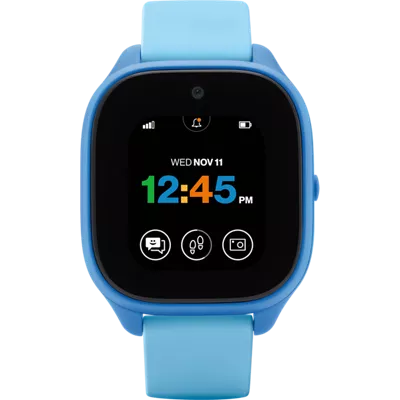
Our honest Gizmo Watch 3 review after real-world testing. GPS tracking, video calling, and 5MP camera -- but is the Verizon lock-in worth it? Full breakdown.

Our hands-on Bark Watch review: GPS accuracy, AI text monitoring, the distraction-free no-apps design, camera, battery life, and whether the $15/month plan is worth it in 2026.
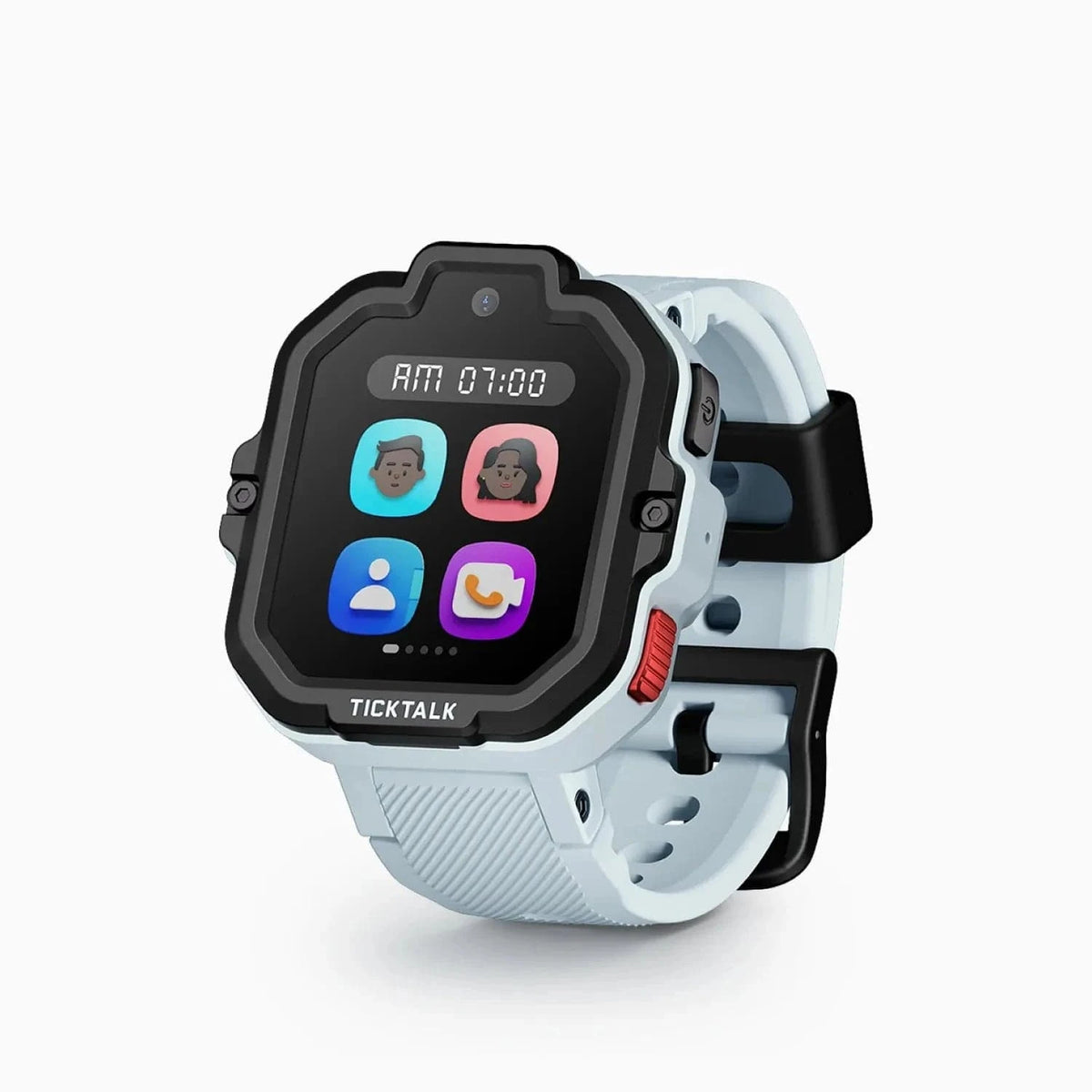
After 10 weeks of real-world testing, here's our honest TickTalk 5 review. AI SmartPin GPS, 48-hour battery, HD video calling, and iHeartRadio — full breakdown inside.
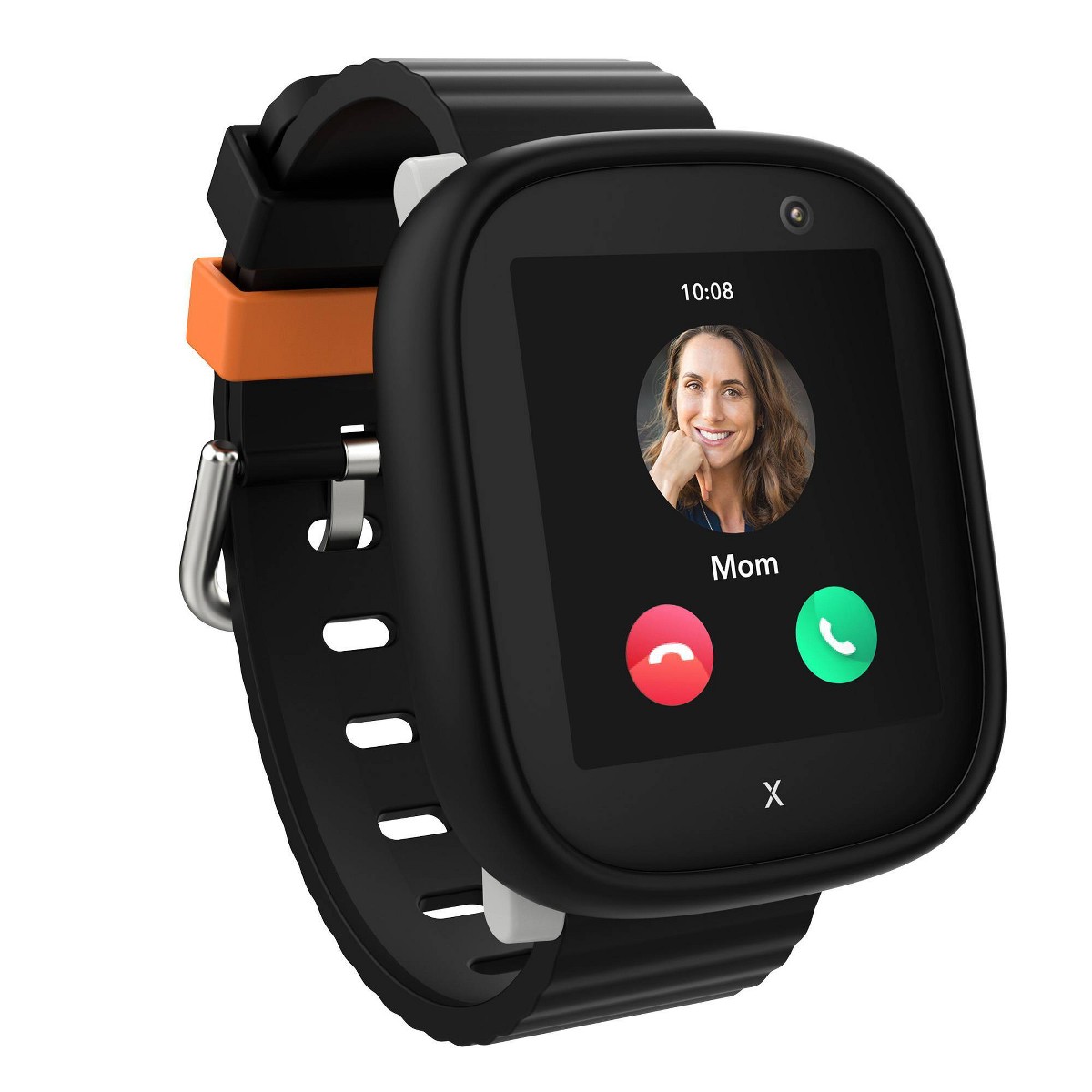
After 8 weeks of daily testing, here's our honest Xplora X6Play review. GPS tracking, 4G calling, camera, and school mode — full breakdown inside.

Our hands-on Gabb Watch 3e review covers GPS tracking, wireless charging, battery life, and whether this intentionally simple kids smartwatch is worth buying in 2026.