Affiliate Disclosure: This article contains affiliate links. If you purchase through our links, we may earn a small commission at no extra cost to you.
After years of testing kids smartwatches — and hearing from hundreds of parents about the ones that disappointed them — I've noticed the same avoidable mistakes come up again and again. Most end in a watch that gets returned, sits in a drawer, or costs far more than expected. Here are the nine biggest ones, and how to sidestep each before you buy.
1. Ignoring Carrier Compatibility
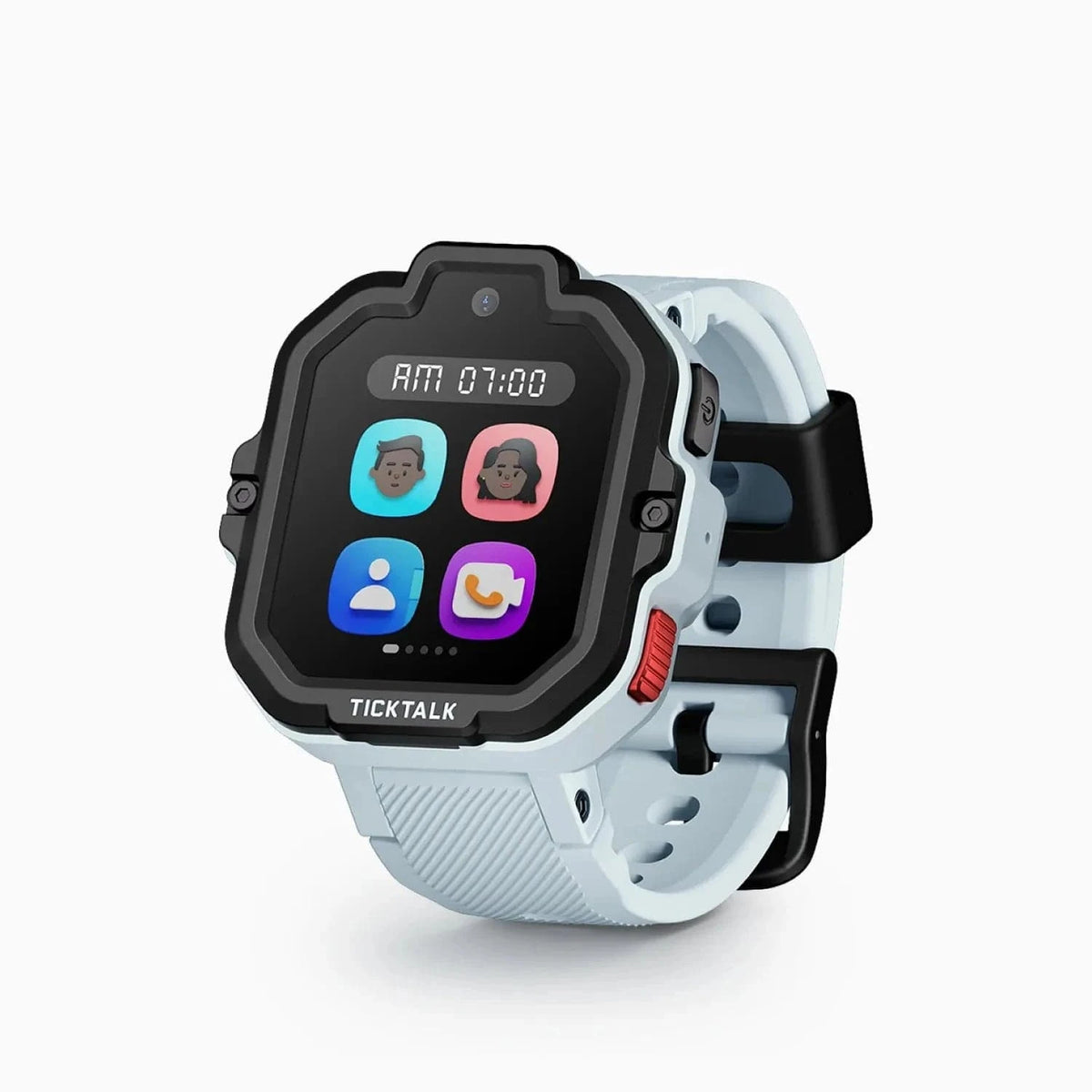
This is the #1 mistake, and the most expensive. Not every watch works on every network. The Gizmo Watch 3 and Gizmo Watch 4 only work on Verizon; the TickTalk 5 takes a bring-your-own nano-SIM on AT&T or T-Mobile (not Verizon). Buy the wrong one for your carrier and it simply won't work. COSMO and Xplora sidestep the question: COSMO runs only on its own Cosmo Mobile plan, and Xplora ships with its own Xplora Connect SIM (AT&T and T-Mobile networks). Fix: check your carrier first — see our carrier compatibility guide.
2. Forgetting About the Monthly Plan
The sticker price is only half the story. Almost every GPS watch needs a cellular plan (about $10-18/month) for location and calling to work at all — and some add a one-time activation fee. Over two years, that's often more than the watch itself. Fix: budget for the plan up front. Our monthly plans compared and cost calculator break it down.
3. Buying the Wrong Watch for the Phone You Own
The Apple Watch SE requires an iPhone. The Samsung Galaxy Watch for Kids requires a Samsung Galaxy phone (not just any Android). The Fitbit Ace LTE is Android-only (no iPhone). Buy one that doesn't match your phone and you can't set it up. Fix: confirm the watch supports your phone before buying.
4. Buying a Camera Watch for a Camera-Strict School
Many schools ban devices with cameras outright — even if the camera is software-disabled during class. If you buy a camera watch (TickTalk 5, Xplora, Gizmo, COSMO) for a school with a strict no-camera policy, it may not be allowed. Fix: check your school's device policy first. For camera-strict schools, a no-camera watch like the Garmin Bounce 2 or Gabb Watch 3e is safer. See our school guide.
5. Overlooking Battery Life
A watch that dies at 4 p.m. isn't tracking anyone. The Fitbit Ace LTE (~16 hours), Apple Watch SE (~18 hours), and Gabb Watch 3e (14-18 hours) all need charging every single night. If daily charging isn't realistic for your family, that's a problem. Fix: prioritize battery if it matters — the TickTalk 5 and Garmin Bounce 2 last ~2 days. See our long battery life guide.
6. Buying Too Many Features (or Too Few)
More features aren't always better. A young child doesn't need a camera and games — they need something simple, rugged, and easy to use. An older tween may find a bare-bones watch boring. Fix: match the watch to the age. See our what age guide and your child's specific age guide.
7. Assuming a Camera Means Video Calling
A camera spec doesn't guarantee video calls. The COSMO JrTrack 5 has a camera but no video calling. If seeing your child's face during a call matters, check for actual video-call support. Fix: see our best video-calling watches guide — only three watches truly do it.
8. Not Setting It Up Before Gifting
Handing a kid an unactivated watch on their birthday or Christmas morning means a frustrating setup instead of a fun moment — and GPS/calling won't work until the plan is activated (which can take a day). Fix: activate and configure the watch a few days ahead. See our how to set up a kids smartwatch guide.
9. Chasing the Cheapest Watch on Amazon
The sub-$50 "kids GPS watch" listings from no-name brands are tempting, but many have unreliable GPS, poor apps, or no real safety features. A cheap watch that doesn't work isn't a bargain — it's a safety gap. Fix: stick to proven brands. For genuinely affordable options that actually work, see our best budget smartwatches under $100 guide.
The Bottom Line
Most kids-smartwatch regret comes down to three things: not checking carrier and phone compatibility, forgetting the monthly plan cost, and mismatching the watch to your child's age and school. Get those right and you'll avoid the returns and drawer-fillers. Start with our best kids smartwatches for 2026 roundup and your child's age guide, and you'll land on a watch that actually fits your family.
Frequently Asked Questions
What's the most common kids smartwatch buying mistake?
Ignoring carrier compatibility. Not every watch works on every network — the Gizmo Watch 3 and Gizmo Watch 4 are Verizon-only, while the TickTalk 5, COSMO, and Xplora only work on AT&T and T-Mobile. Buying the wrong one for your carrier means it won't work at all.
Do I really need to pay a monthly fee for a kids smartwatch?
For GPS and calling, yes — almost every GPS kids watch needs a cellular plan (about $10-18/month). The main exception is a no-cellular fitness tracker like the Garmin Vivofit Jr. 3, which has no monthly fee but also no GPS or calling. See our no-monthly-fee guide.
How do I know if a kids smartwatch will work at my child's school?
Check the school's device policy before buying — especially whether it bans camera-equipped devices. Watches with a thorough school mode (like the Xplora X6Play) or no camera (like the Garmin Bounce 2 or Gabb Watch 3e) are the safest bets. See our school guide.
Are cheap kids smartwatches on Amazon worth it?
Usually not the sub-$50 no-name ones — many have unreliable GPS and no real safety features. Stick to proven brands. For genuinely affordable options that work, the Cosmo JrTrack 2 (~$90) is the main credible sub-$100 pick; see our budget guide.
Ready to buy the right one? See our best kids smartwatches for 2026 roundup, your child's age guide, and our cost calculator.